
X-Downloader
Fast video and animated GIF downloader for X (Twitter)
Released on Aug 10, 2026 · VirusTotal Verified
📱 App Screenshots & Interface
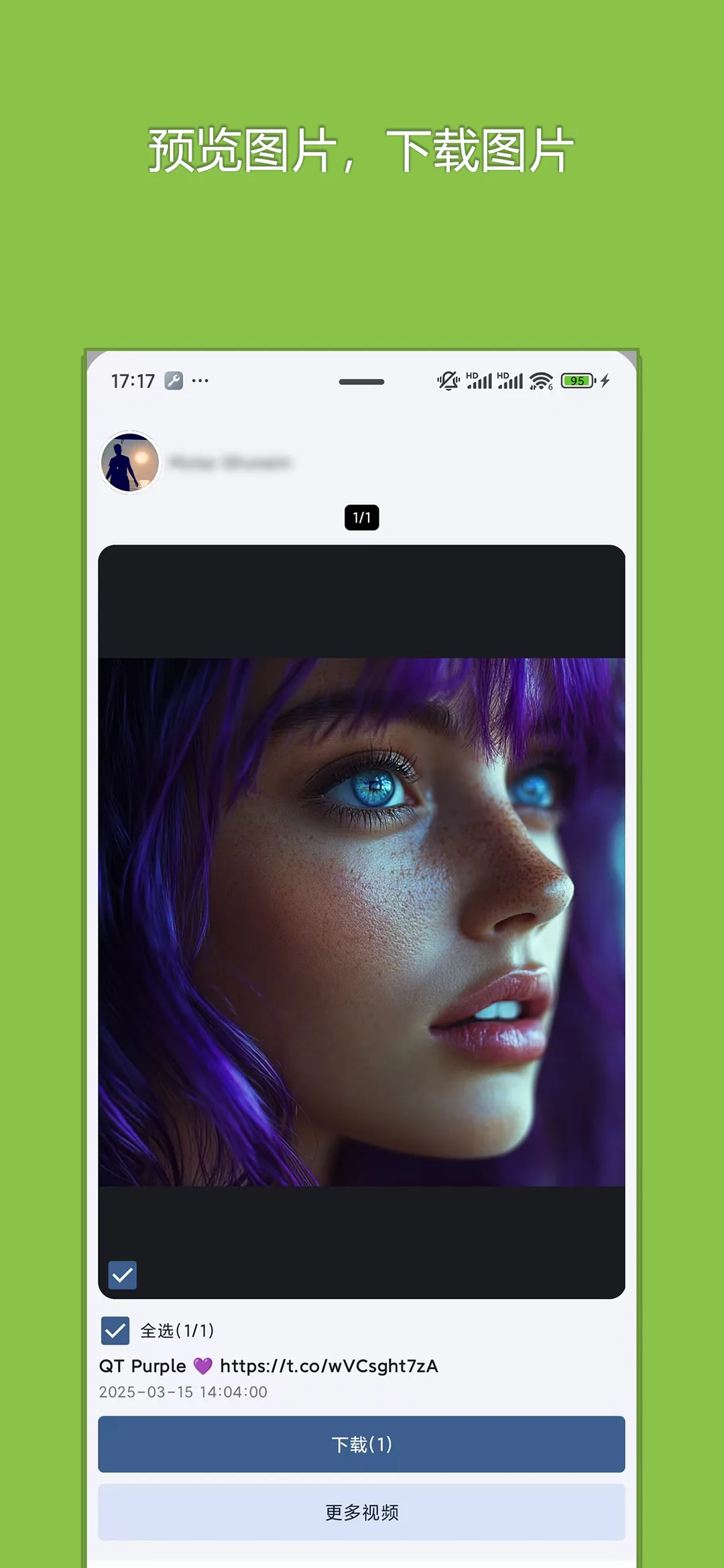
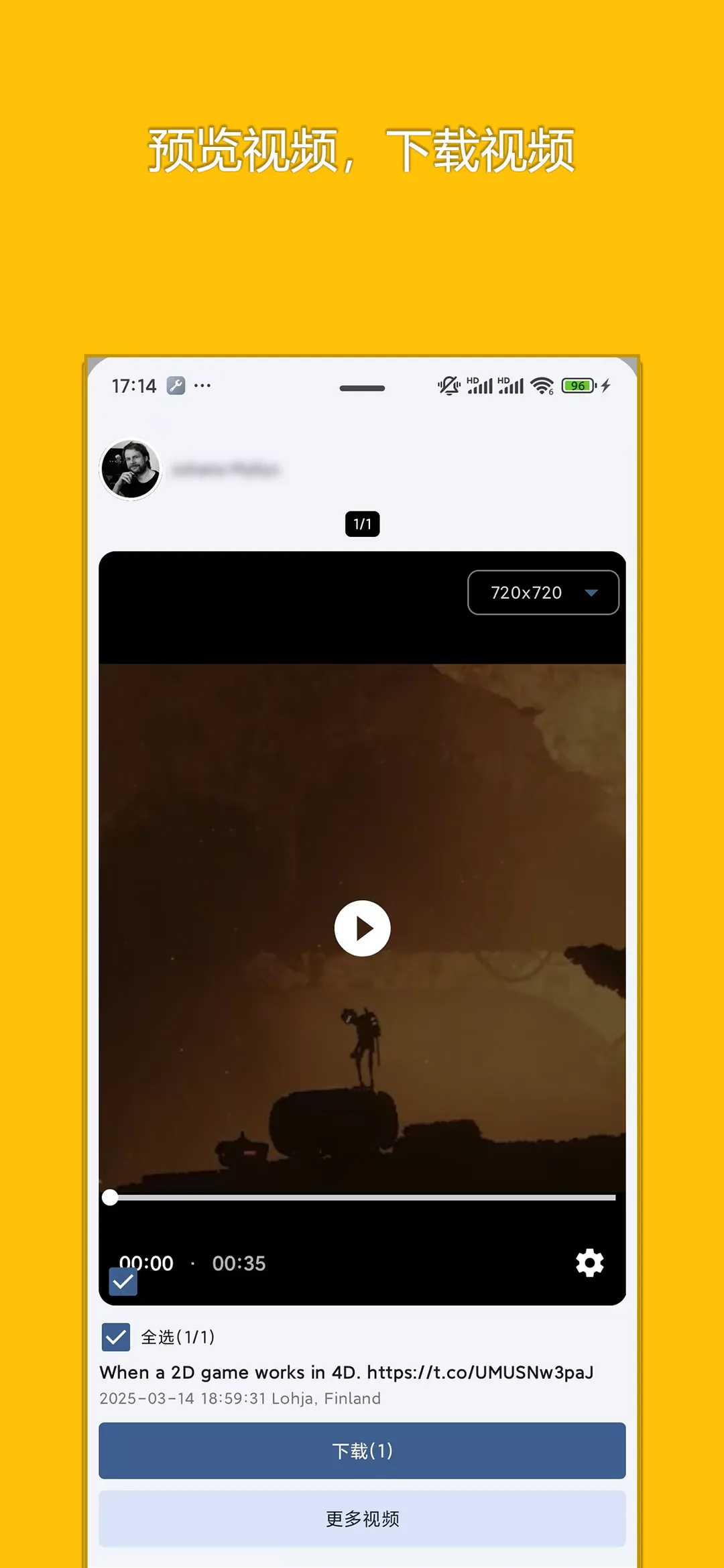
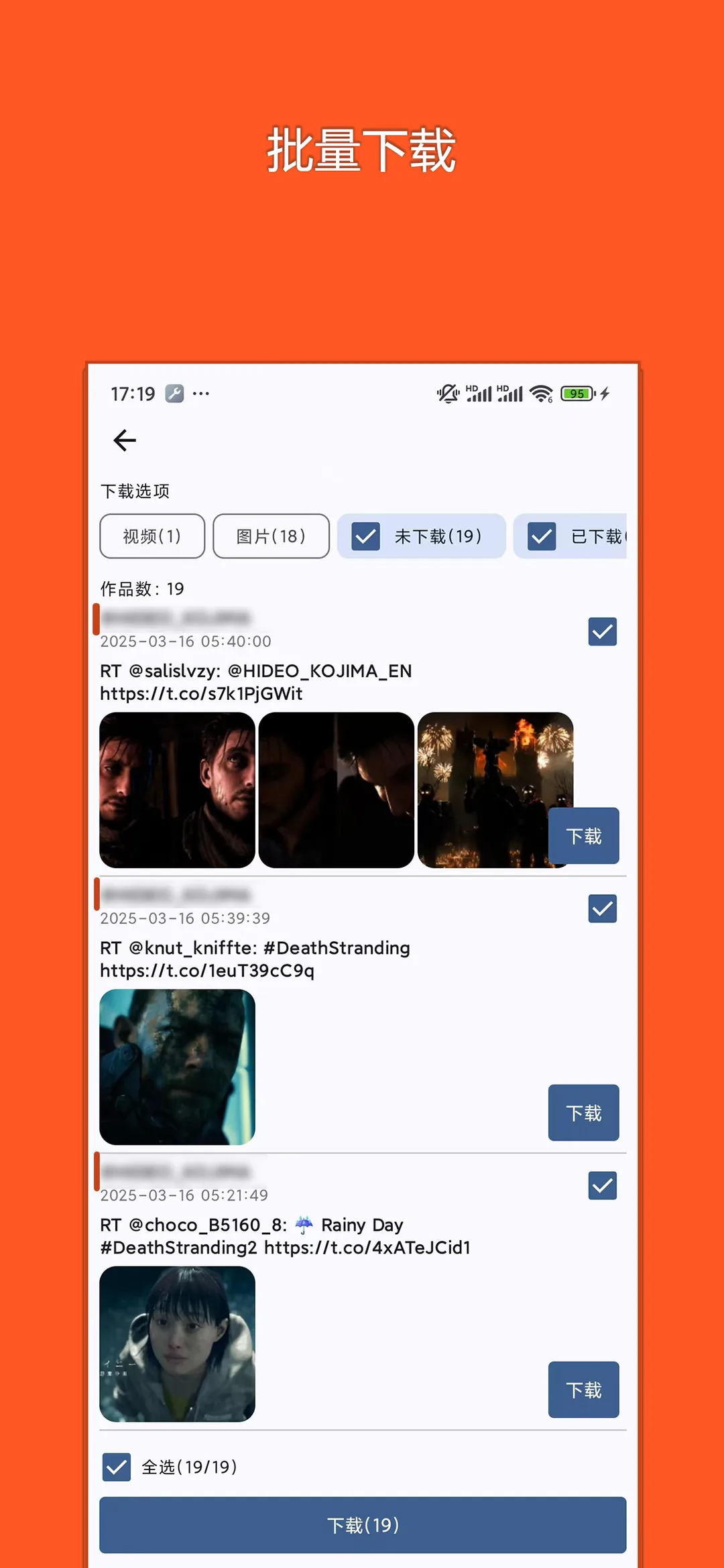
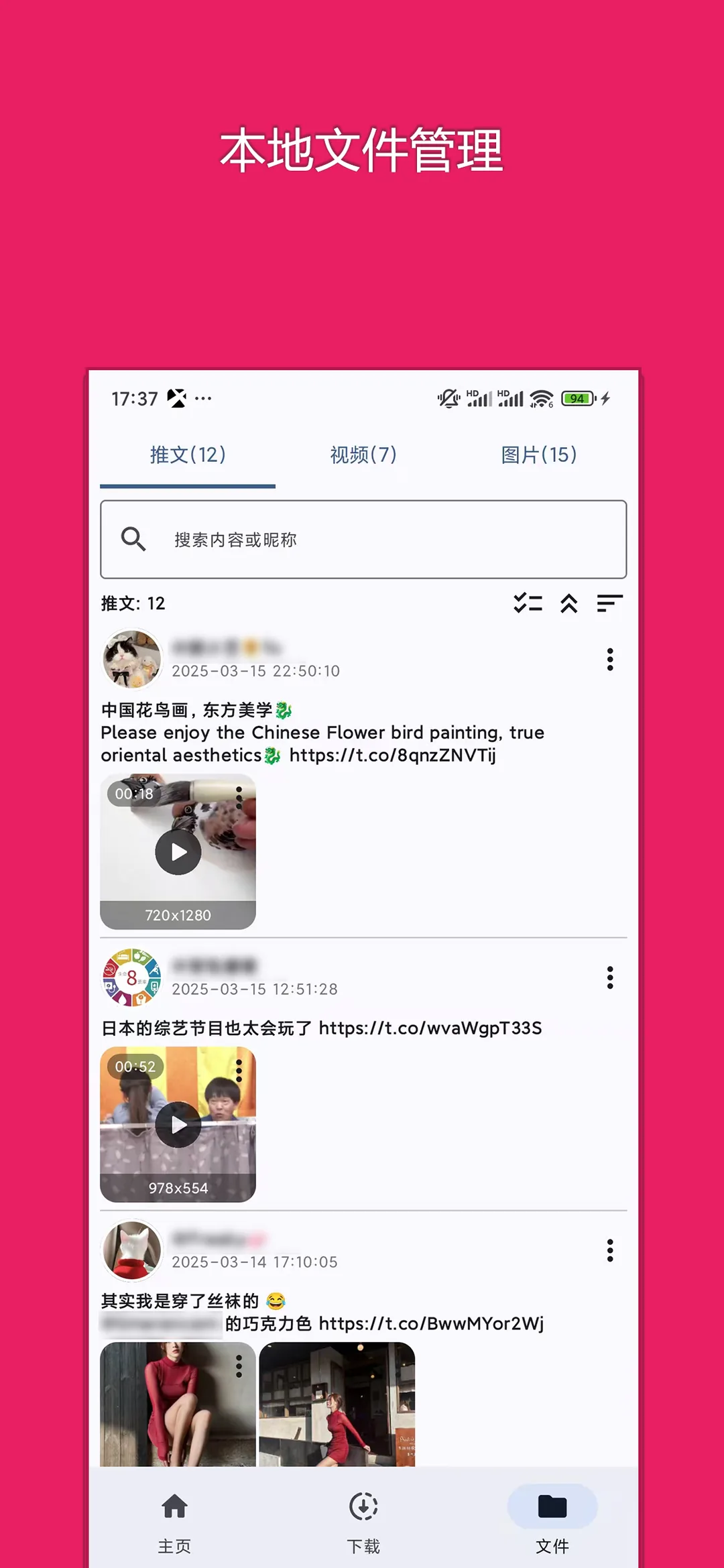
Preview genuine UI interactions — clean, responsive, and intuitive
📖 Core Highlights & Features
Dedicated media downloader for X (formerly Twitter), featuring multi-resolution bitrate options, animated GIF support, resume capability, and author batch downloads.
Key Features:
- Extracts high-resolution MP4 videos and looping GIFs from any public X tweet
- Multiple bitrate choices (1080p, 720p, 480p) to balance data usage and quality
- Batch post browsing and extraction directly from user profile feeds
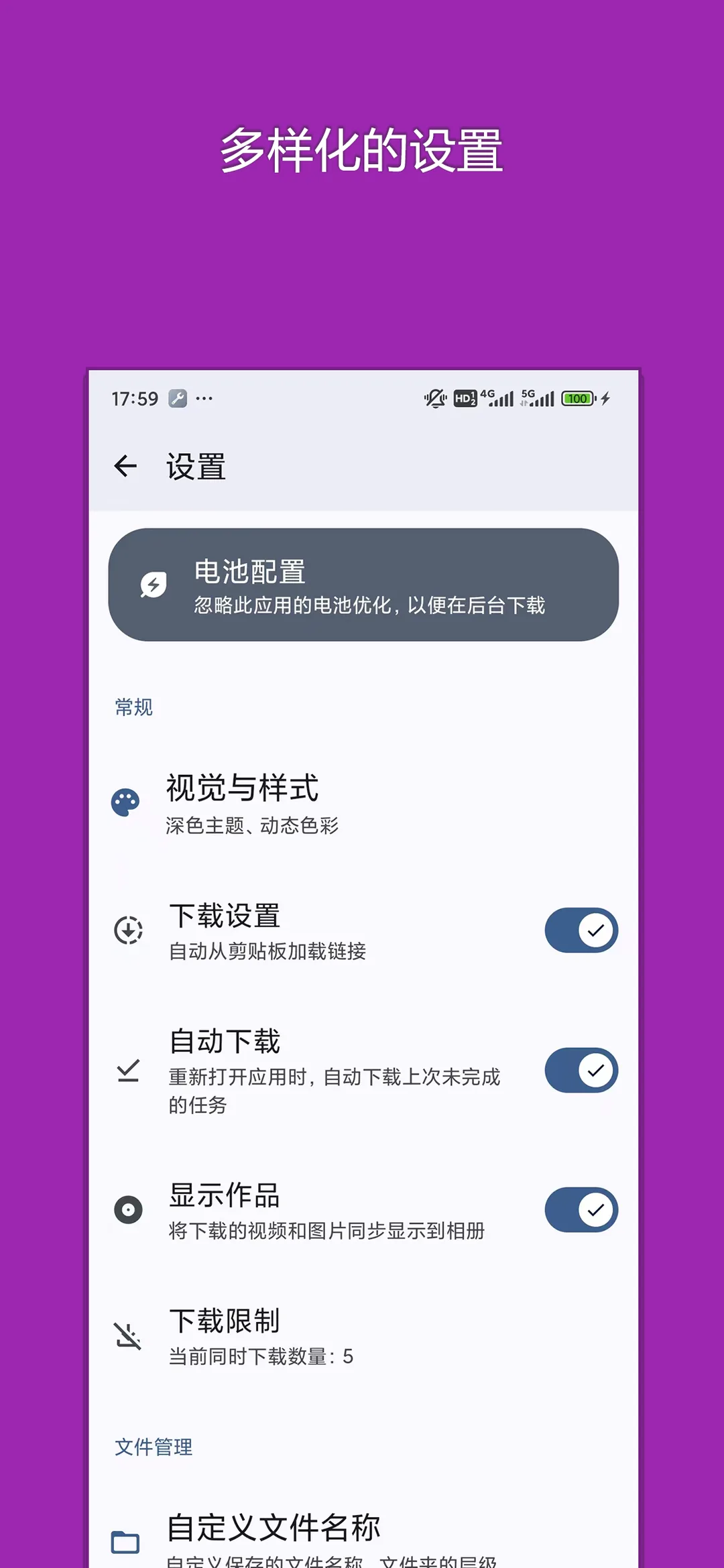
- Custom directory rules automatically sorted by username and tweet ID
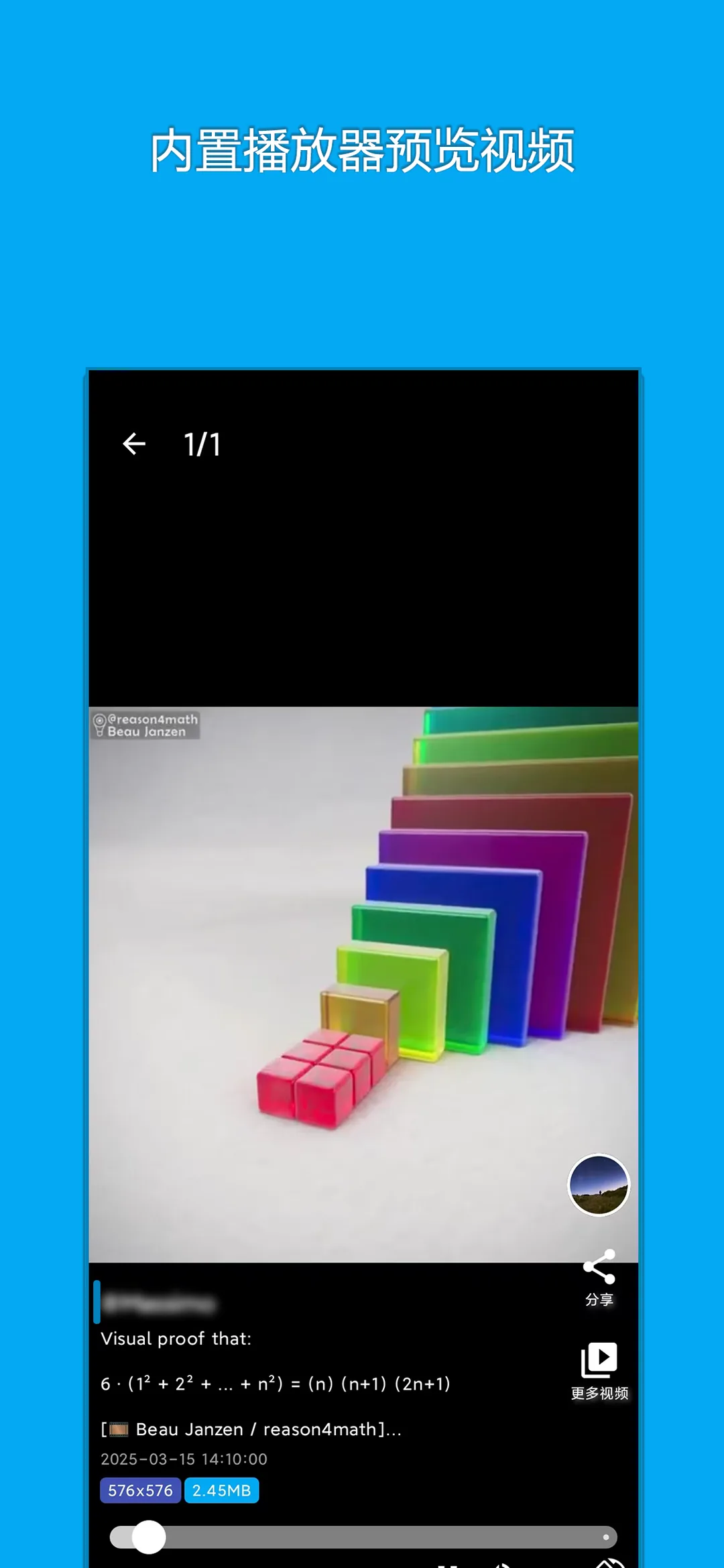
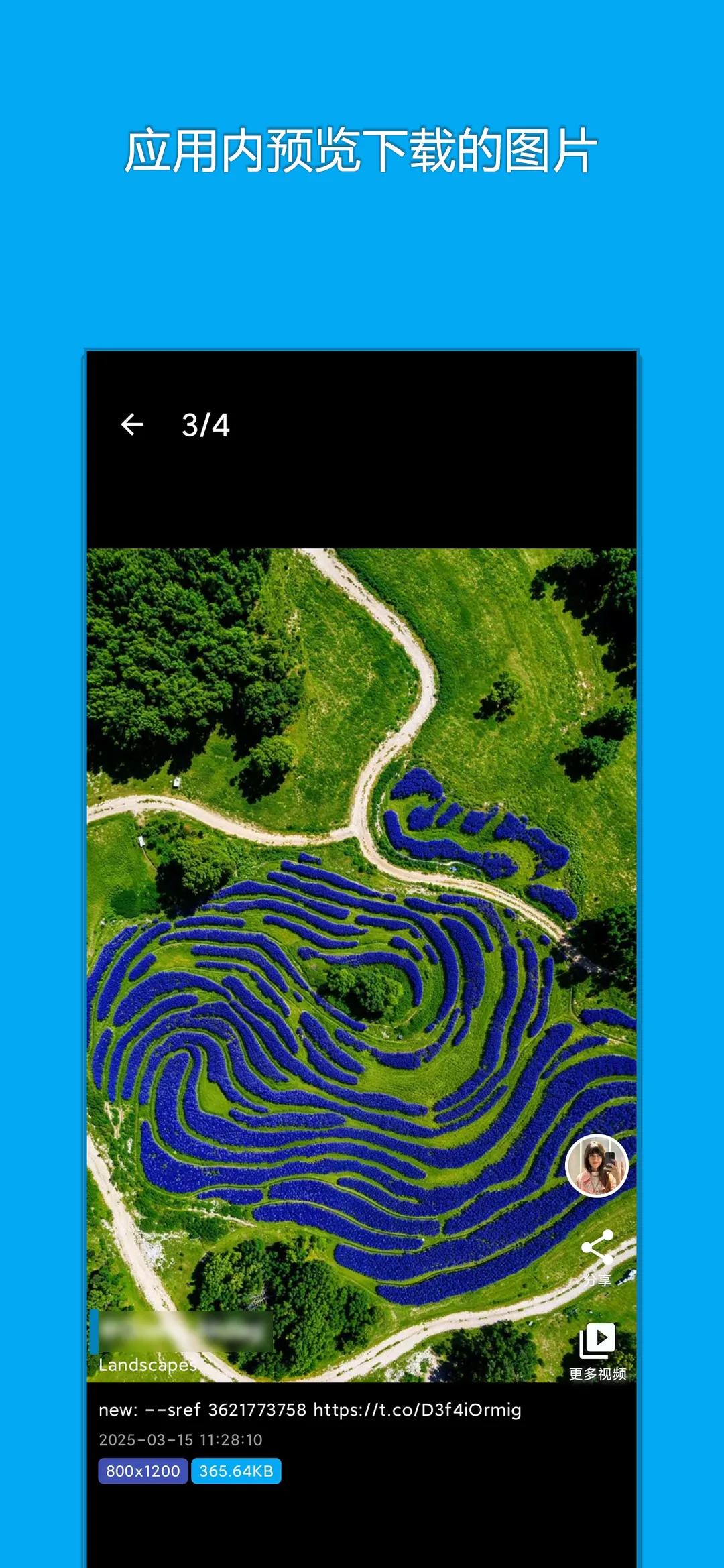
- Built-in lightweight offline player to enjoy saved media without internet
🎯 3-Step Quick Start Guide
Copy Tweet Link
Find the post containing video/GIF in X, tap Share and select 'Copy link'.
Paste & Select Quality
Open X-Downloader, click Paste & Parse to view all available resolution options.
Fast Download to Album
Select your preferred resolution and click download to save the media straight to your gallery.
📢 Ad Transparency & Compliance Disclosure
This application is completely free to use. To cover server bandwidth, algorithm maintenance, and continuous upgrades, moderate reward or banner advertisements are incorporated (marked as "Contains ads" on Google Play). We strictly adhere to zero hidden paywalls, no aggressive popup hijacking, and zero third-party telemetry.
📝 Changelog & Version History v1.7.1
- • 1. Enhanced local file settings with detailed post metadata
- • 2. Added hidden filters to author profile lists
- • 3. Improved media playback engine and UI aesthetics
- • 4. Compatible with the latest Android system versions
Security Multi-Engine Verified
This package has been scanned across 60+ leading antivirus engines with zero malware or deceptive behavior.
💡 Encountering "Unknown Sources" warning?
Android triggers a standard generic safety prompt for APKs downloaded outside the phone vendor store. This is standard system behavior. Simply choose "Install Anyway" or enable "Allow from this source" in your phone Settings.