
DouDownloader
Download watermark-free videos and photo collections
Released on Sep 24, 2026 · VirusTotal Verified
📱 App Screenshots & Interface
Preview genuine UI interactions — clean, responsive, and intuitive
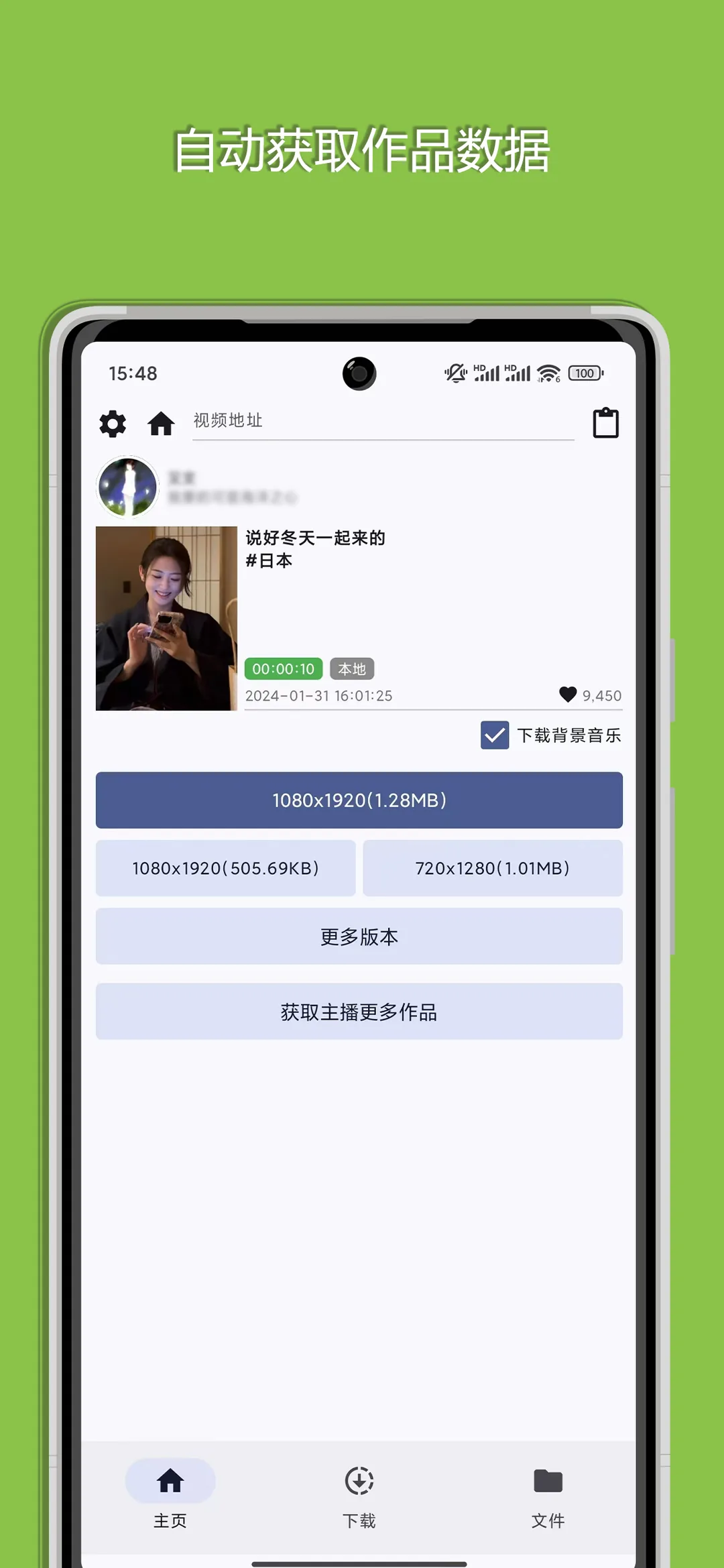
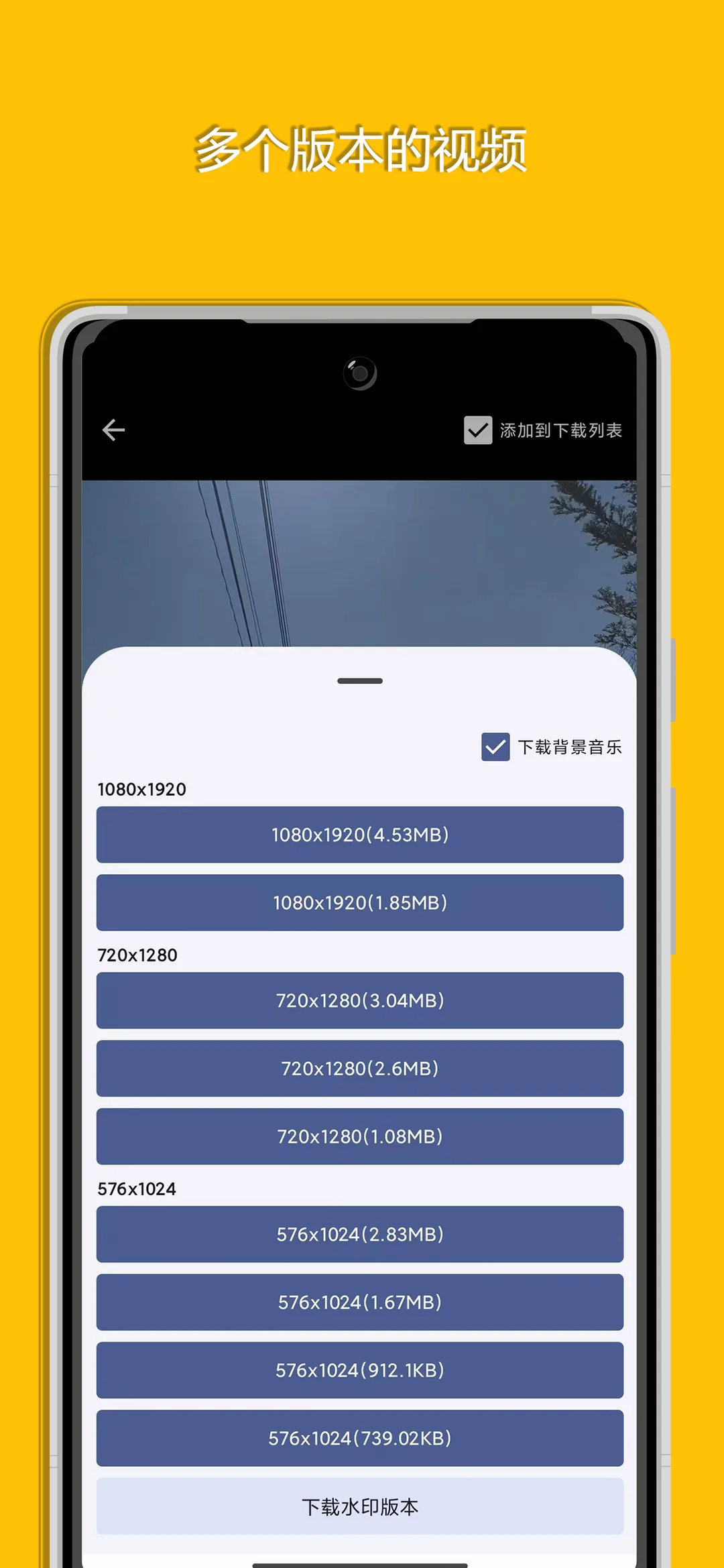
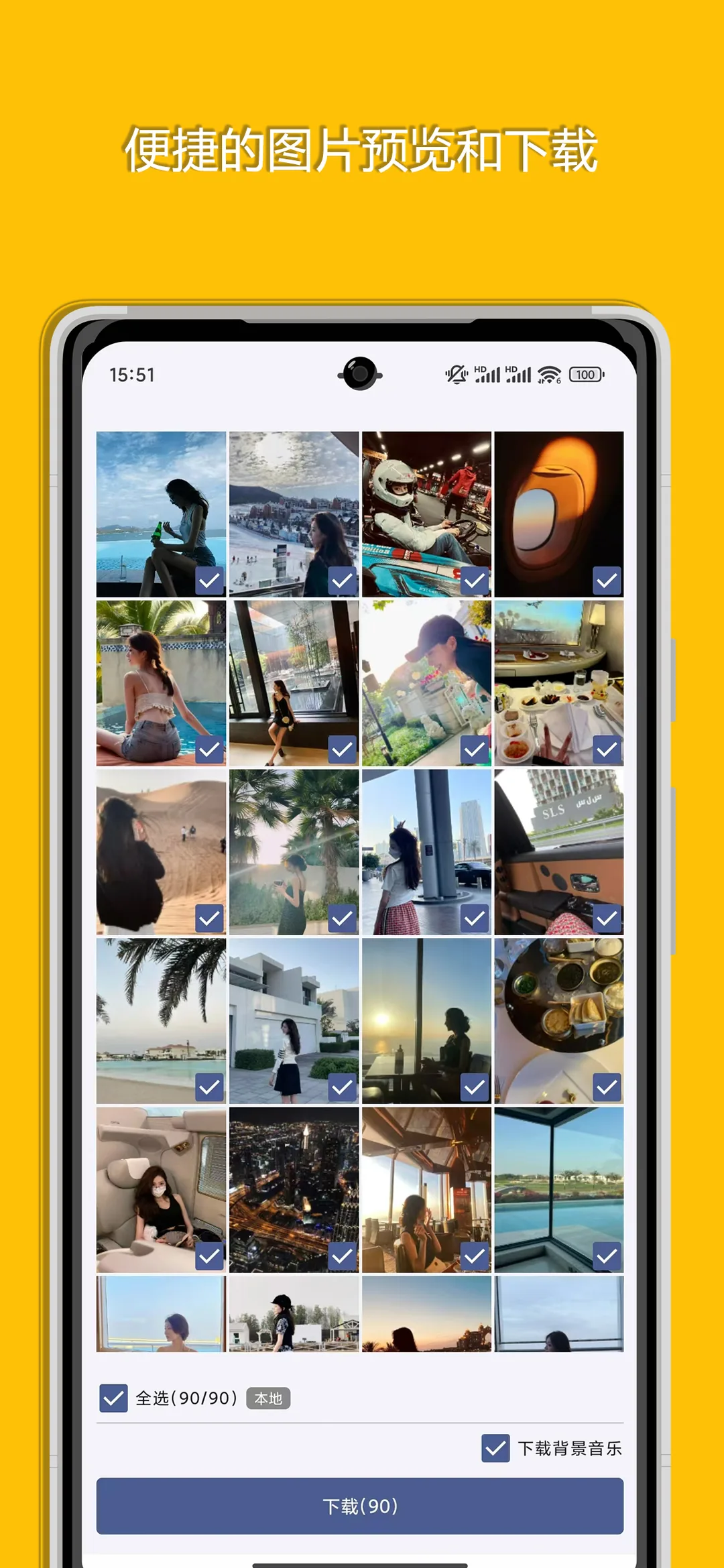
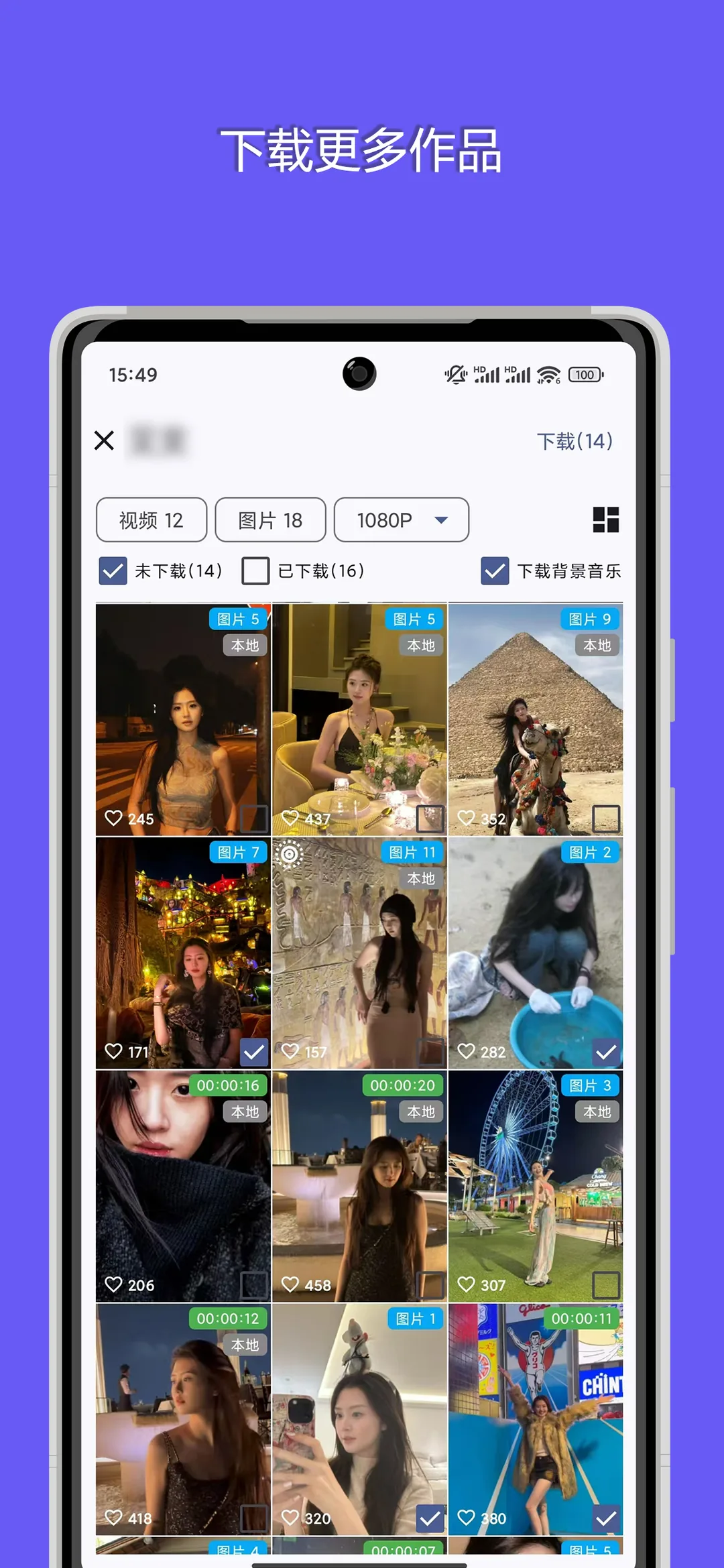
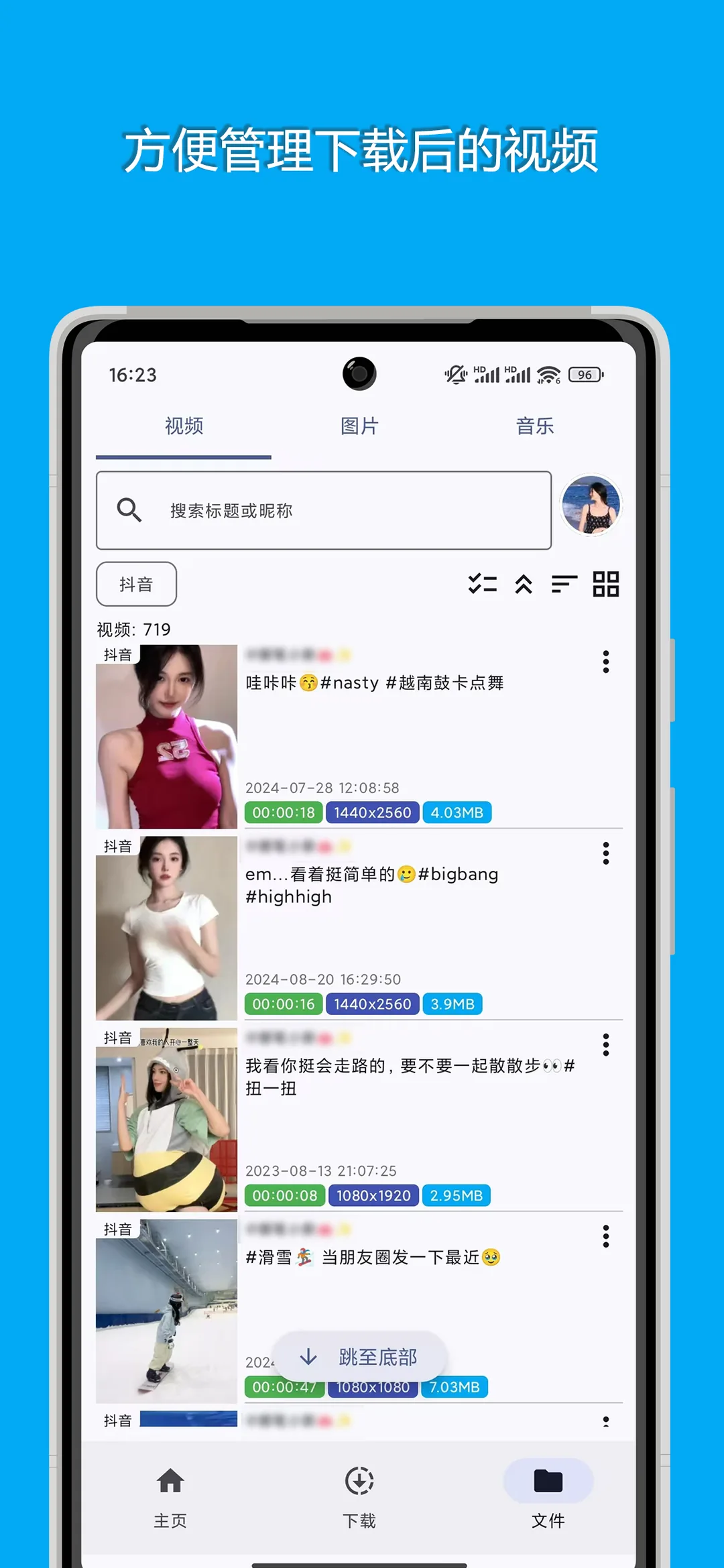
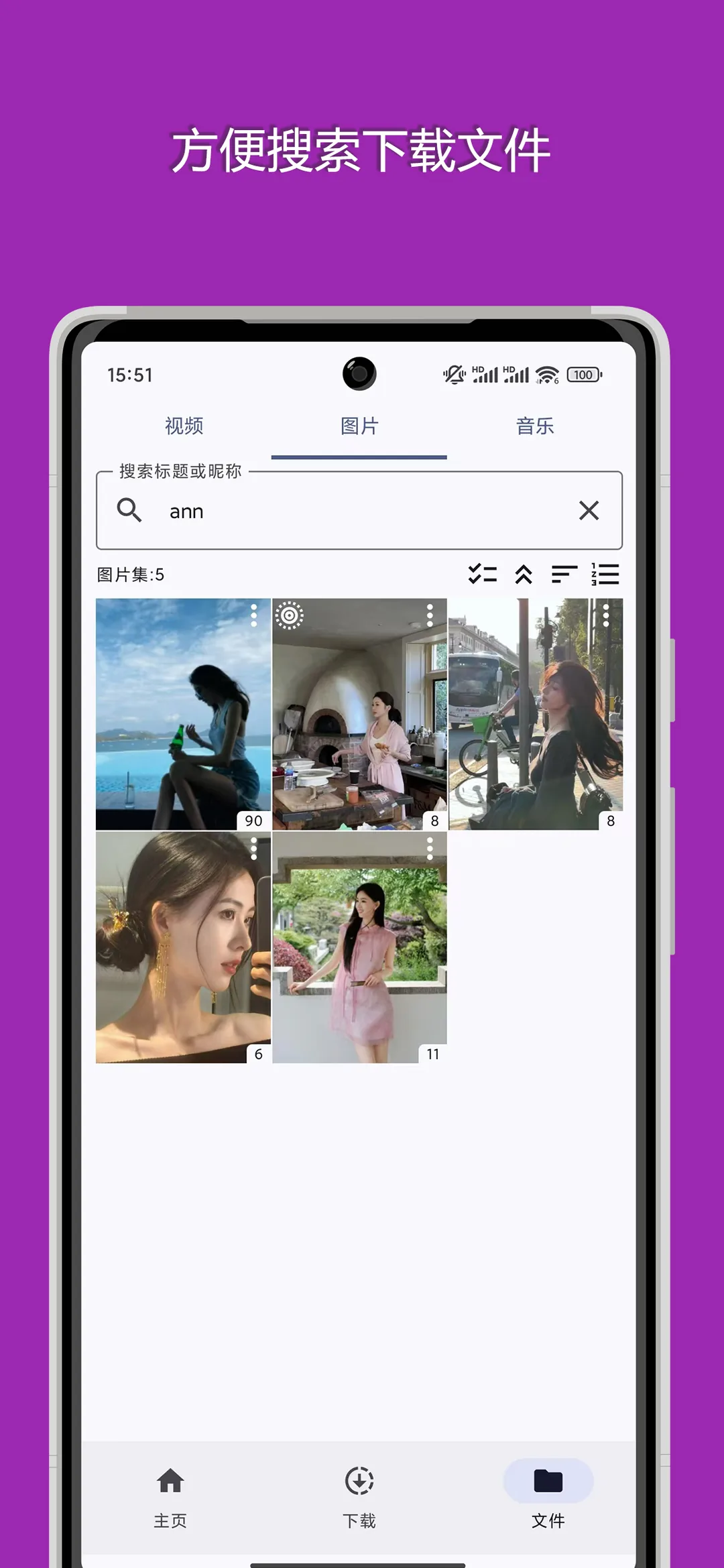
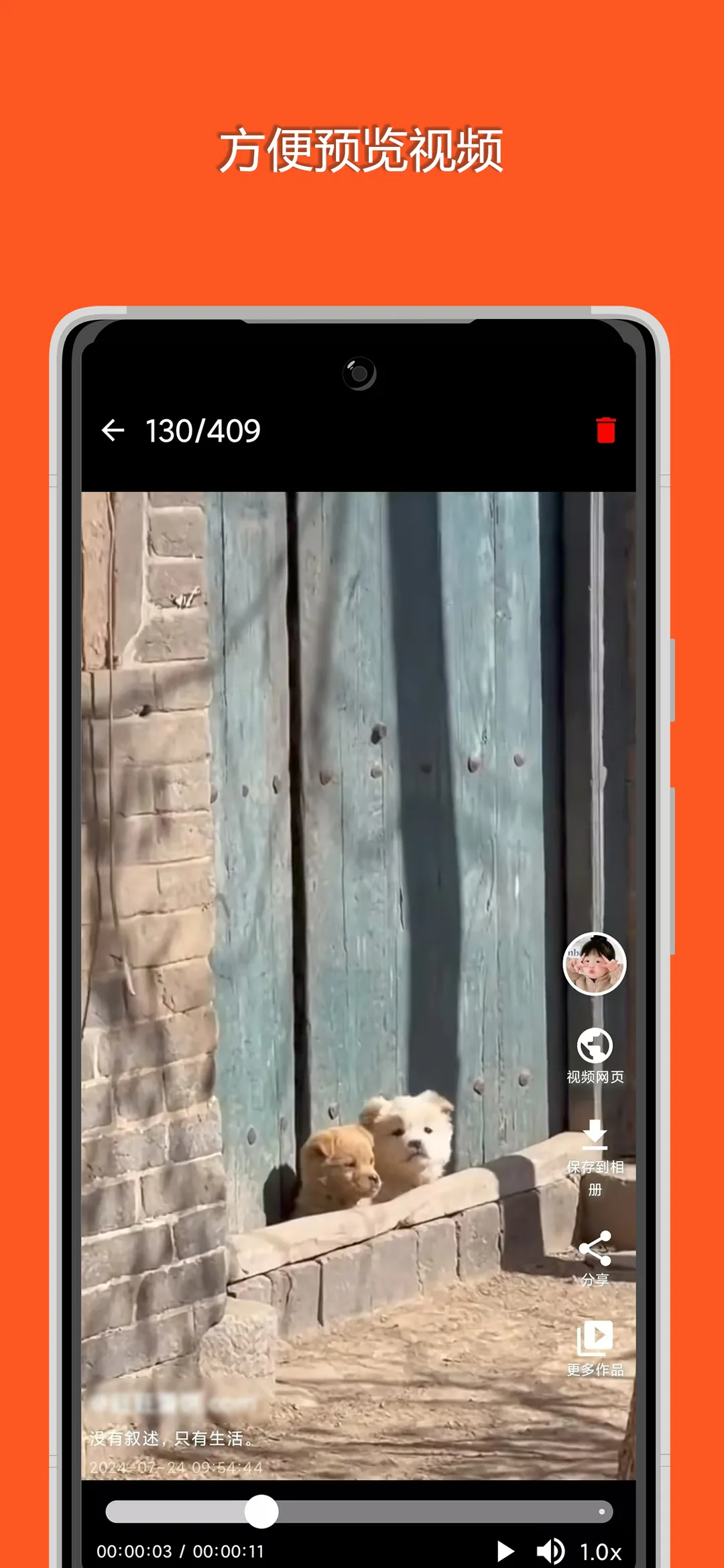
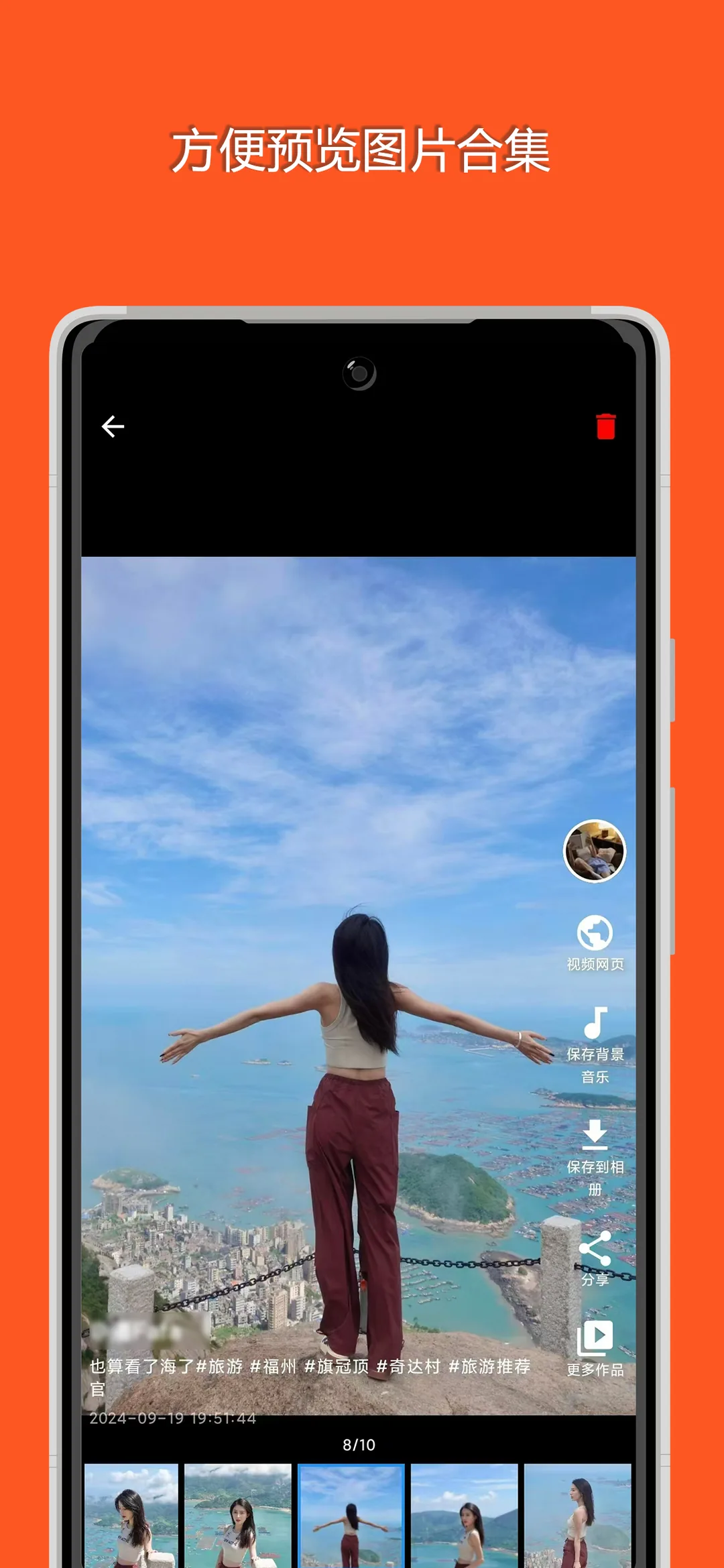
📖 Core Highlights & Features
Easily download and save watermark-free HD videos and photo albums from Douyin/TikTok, extract background audio MP3s, with multi-threaded high-speed downloads and built-in offline player.
Key Features:
- Clean watermark-free video parsing preserving the original creator's highest bitrate
- One-click batch album downloader, saving high-res photos losslessly
- Standalone MP3 background audio extractor to keep your favorite soundtracks
- Multi-threaded 3x accelerated download engine, saving large media files in seconds
- Built-in offline player and photo gallery manager for smooth local preview and sharing
🎯 3-Step Quick Start Guide
Copy Video Share Link
Find the video or photo album in the app, tap Share, and select 'Copy Link'.
Open DouDownloader to Parse
Switch to DouDownloader. The app auto-detects clipboard links. Tap 'Extract' to parse the watermark-free video.
Save Video & Photo Albums
Preview with the built-in player, then tap 'Download' to save directly to your local gallery.
📢 Ad Transparency & Compliance Disclosure
This application is completely free to use. To cover server bandwidth, algorithm maintenance, and continuous upgrades, moderate reward or banner advertisements are incorporated (marked as "Contains ads" on Google Play). We strictly adhere to zero hidden paywalls, no aggressive popup hijacking, and zero third-party telemetry.
📝 Changelog & Version History v2.4.1
- • 1. Comprehensive video quality selection support
- • 2. Performance optimizations and stability improvements
Security Multi-Engine Verified
This package has been scanned across 60+ leading antivirus engines with zero malware or deceptive behavior.
💡 Encountering "Unknown Sources" warning?
Android triggers a standard generic safety prompt for APKs downloaded outside the phone vendor store. This is standard system behavior. Simply choose "Install Anyway" or enable "Allow from this source" in your phone Settings.