
RedDownloader
Watermark-free photo and video extractor for Xiaohongshu (RED)
Released on Aug 30, 2026 · VirusTotal Verified
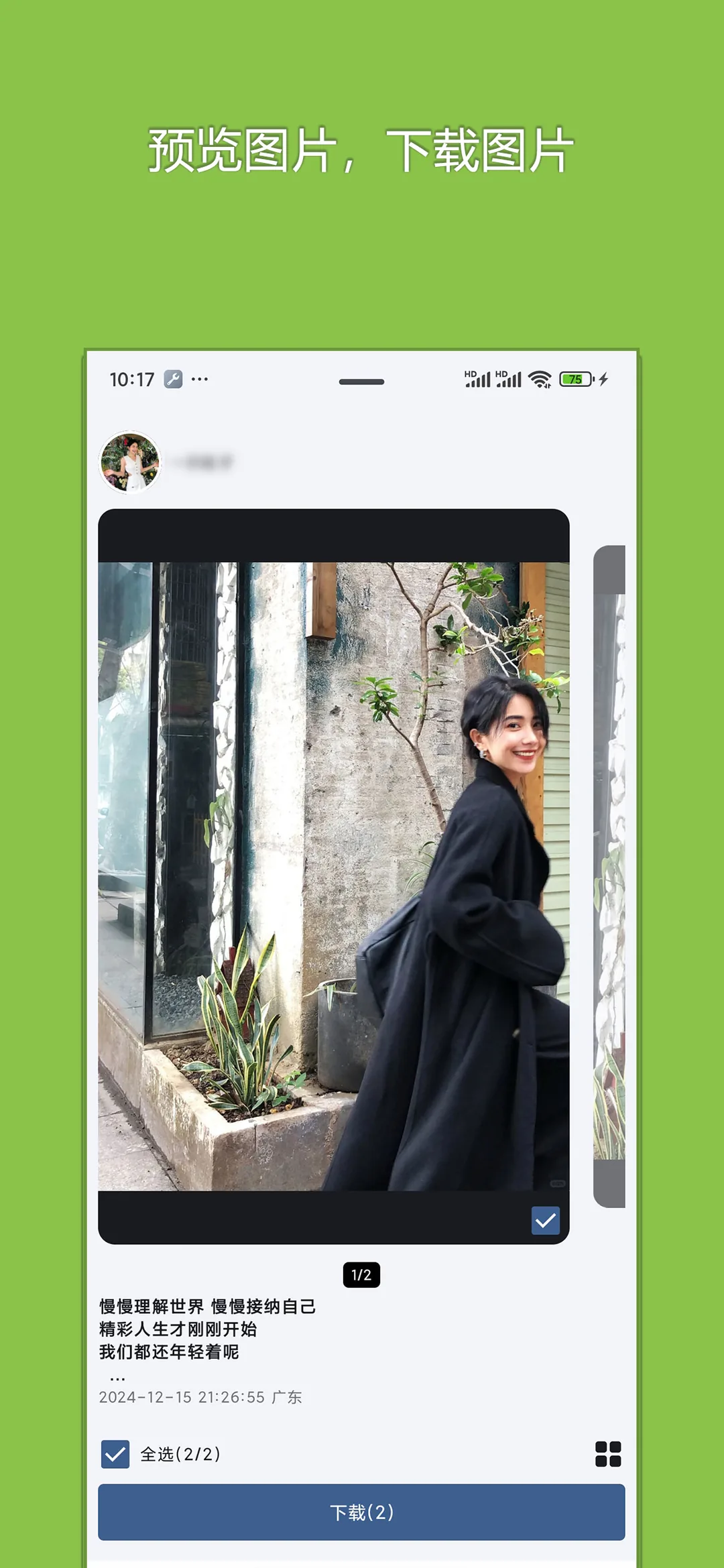
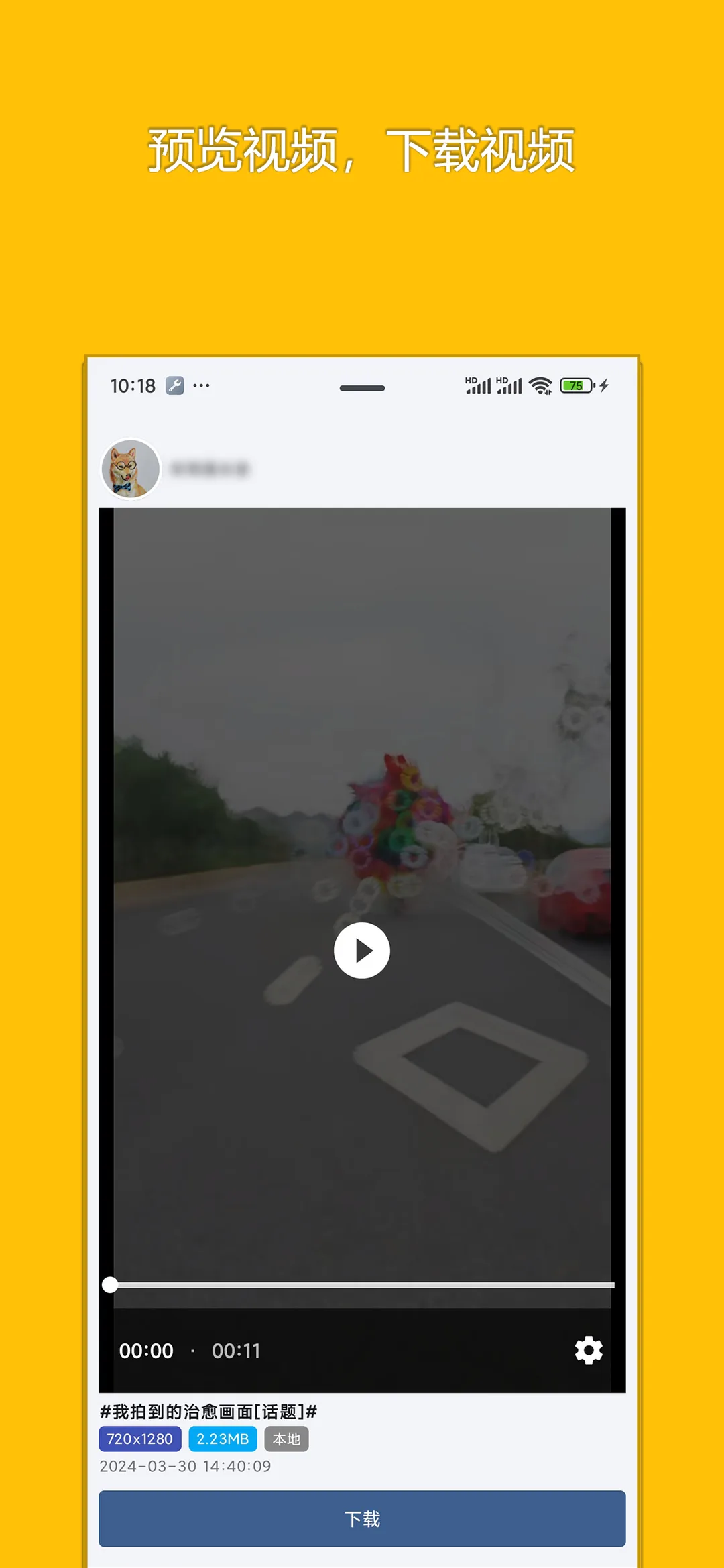
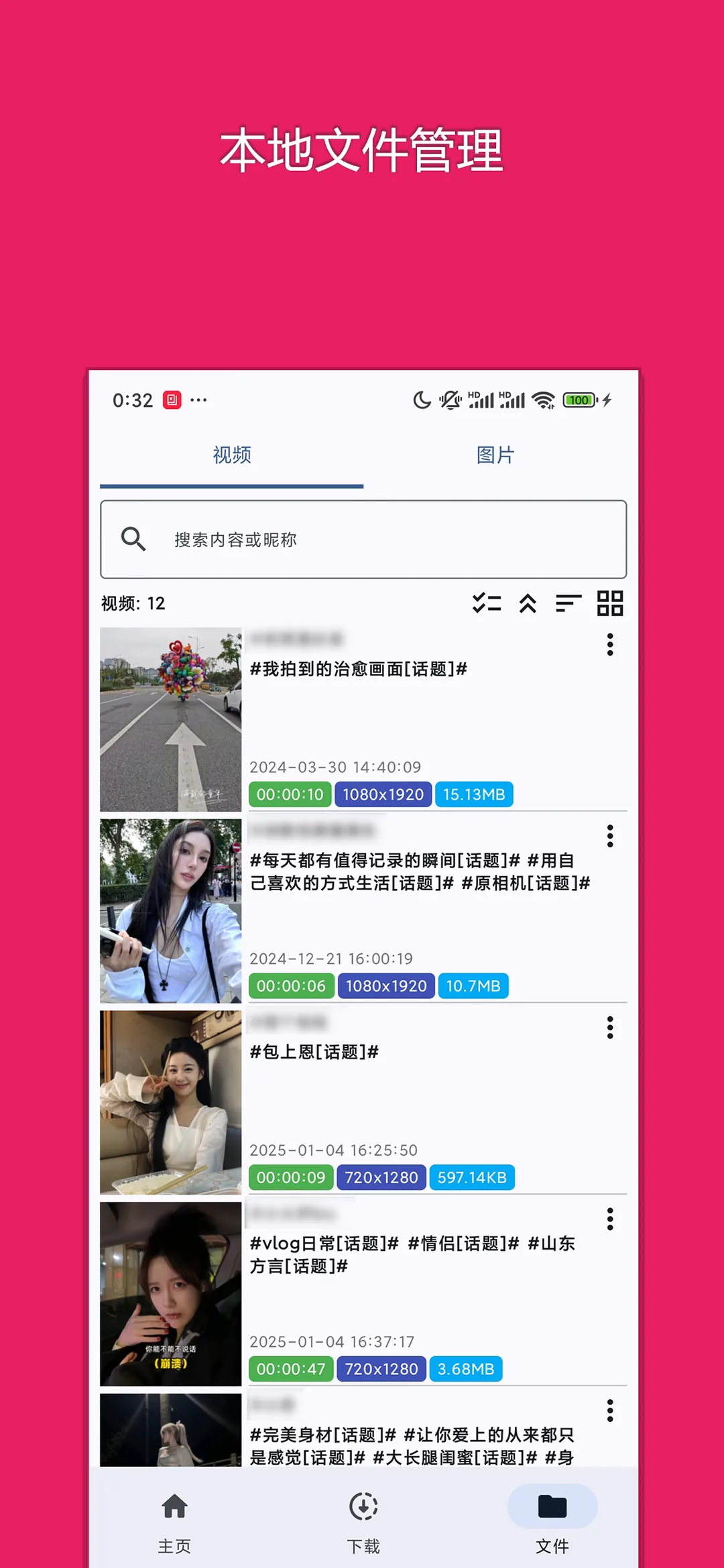
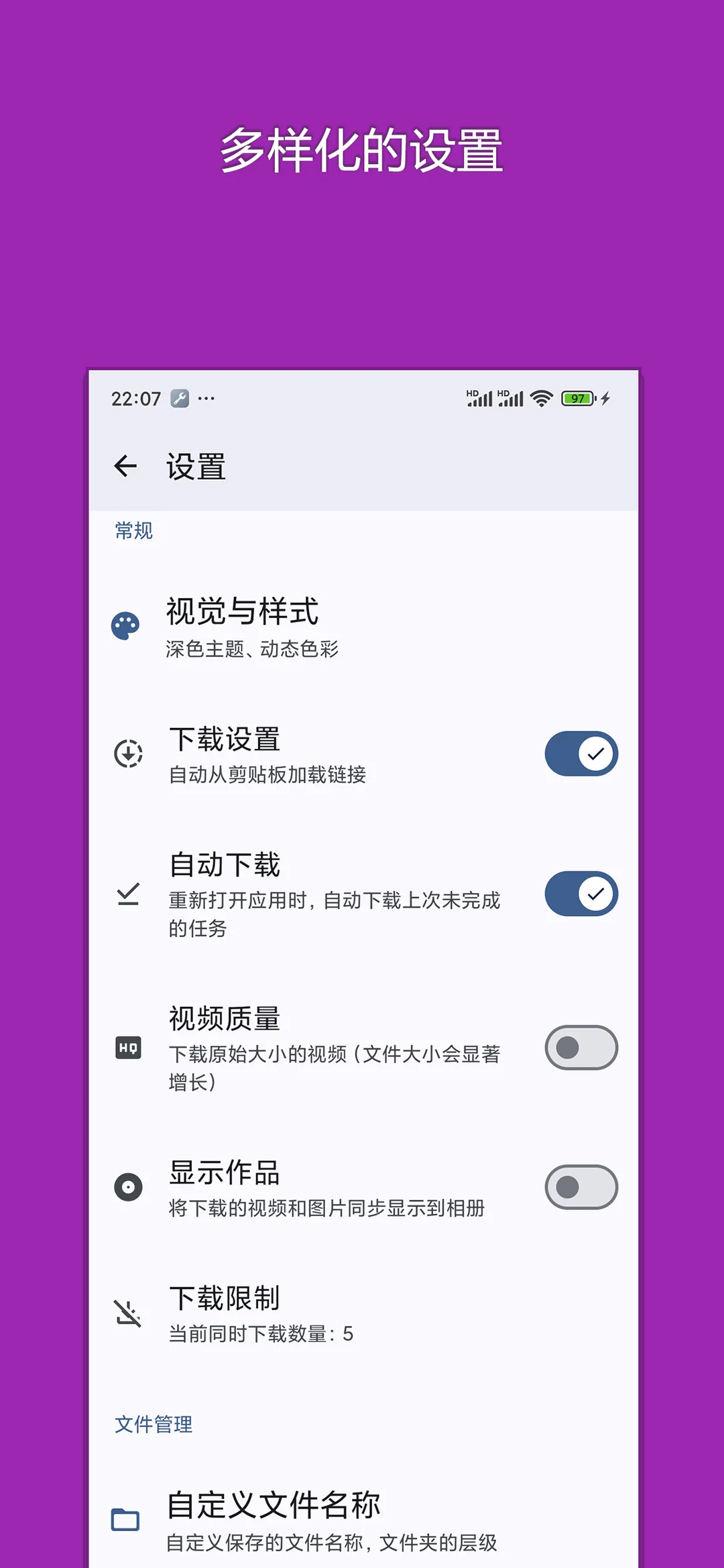
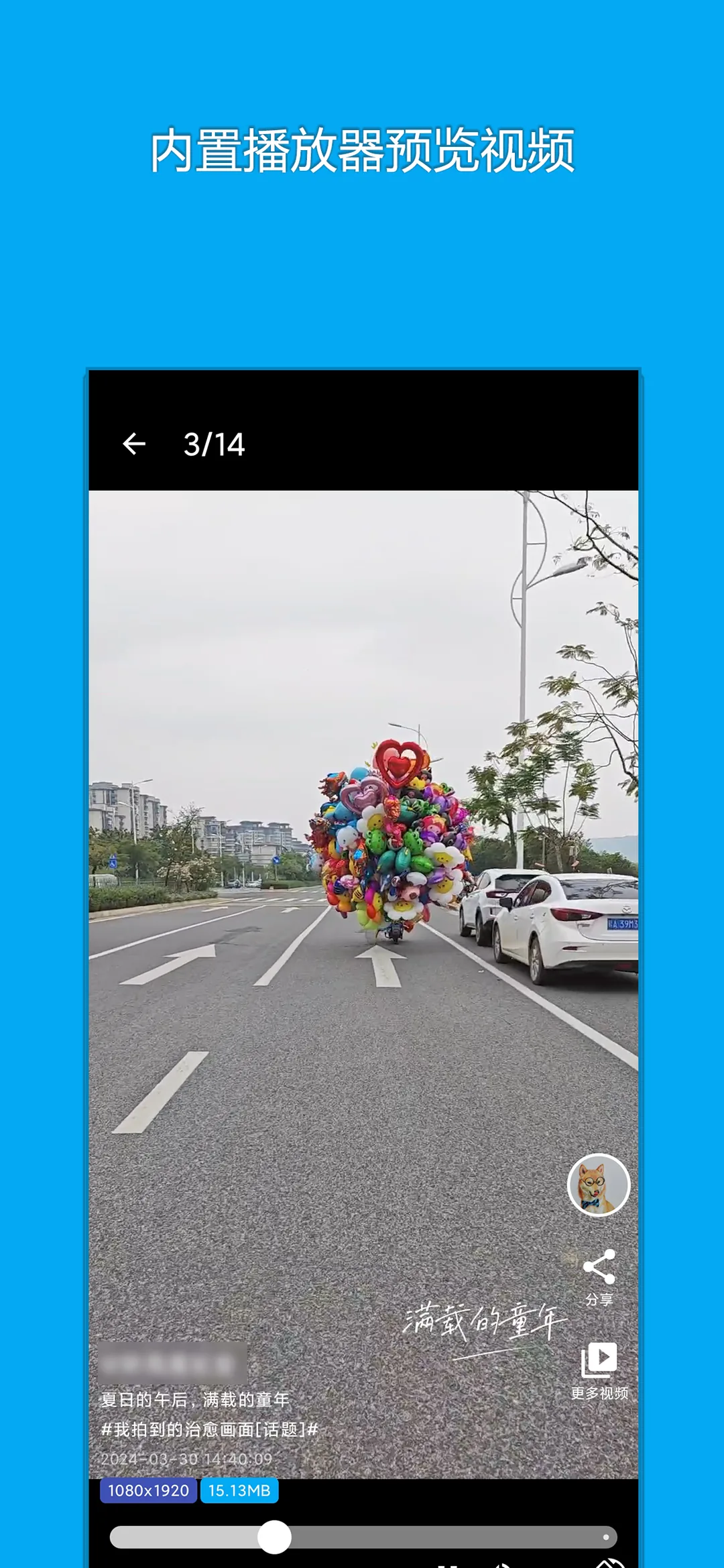
📱 App Screenshots & Interface
Preview genuine UI interactions — clean, responsive, and intuitive


📖 Core Highlights & Features
Effortless watermark-free media extractor for Xiaohongshu notes, supporting original high-resolution photo albums, LivePhoto motion photos, and video exports.
Key Features:
- Intelligently recognizes RED notes, removes watermarks, and extracts original photos
- Exclusive support for exporting Xiaohongshu LivePhoto motion photos
- One-click select-all or batch download for albums with sequential naming
- Auto-extracts note captions and hashtags for convenient note-taking and archiving
- Built-in offline album for previewing, comparing, and clearing local cache
🎯 3-Step Quick Start Guide
Copy Note Link
Open the note in Xiaohongshu, tap Share in the top right, and choose 'Copy Link'.
Launch & Auto-Extract
Launch RedDownloader. The app strips extraneous text and parses all original photos in seconds.
Batch Save Photos & LivePhotos
Select target media and tap 'Save to Gallery'. High-res photos and LivePhotos are saved losslessly.
📢 Ad Transparency & Compliance Disclosure
This application is completely free to use. To cover server bandwidth, algorithm maintenance, and continuous upgrades, moderate reward or banner advertisements are incorporated (marked as "Contains ads" on Google Play). We strictly adhere to zero hidden paywalls, no aggressive popup hijacking, and zero third-party telemetry.
📝 Changelog & Version History v1.6.0
- • 1. Added hidden author filter in author lists
- • 2. Added support for exporting Xiaohongshu LivePhoto motion photos
- • 3. Optimized runtime performance and improved stability
Security Multi-Engine Verified
This package has been scanned across 60+ leading antivirus engines with zero malware or deceptive behavior.
💡 Encountering "Unknown Sources" warning?
Android triggers a standard generic safety prompt for APKs downloaded outside the phone vendor store. This is standard system behavior. Simply choose "Install Anyway" or enable "Allow from this source" in your phone Settings.