
MangaShelf
Read local ZIP, CBZ, CBR and folder manga with series grouping
Released on Aug 4, 2026 · VirusTotal Verified
📱 App Screenshots & Interface
Preview genuine UI interactions — clean, responsive, and intuitive
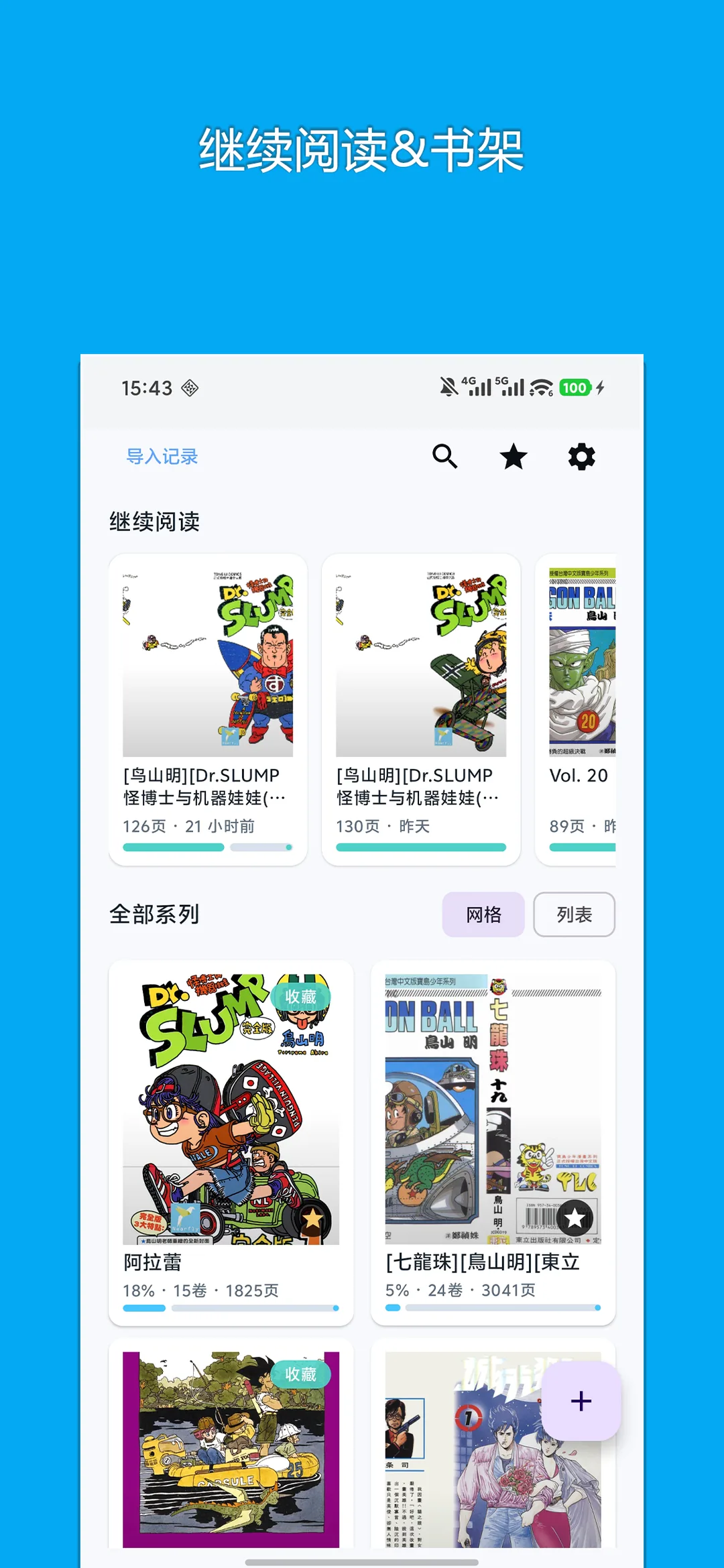
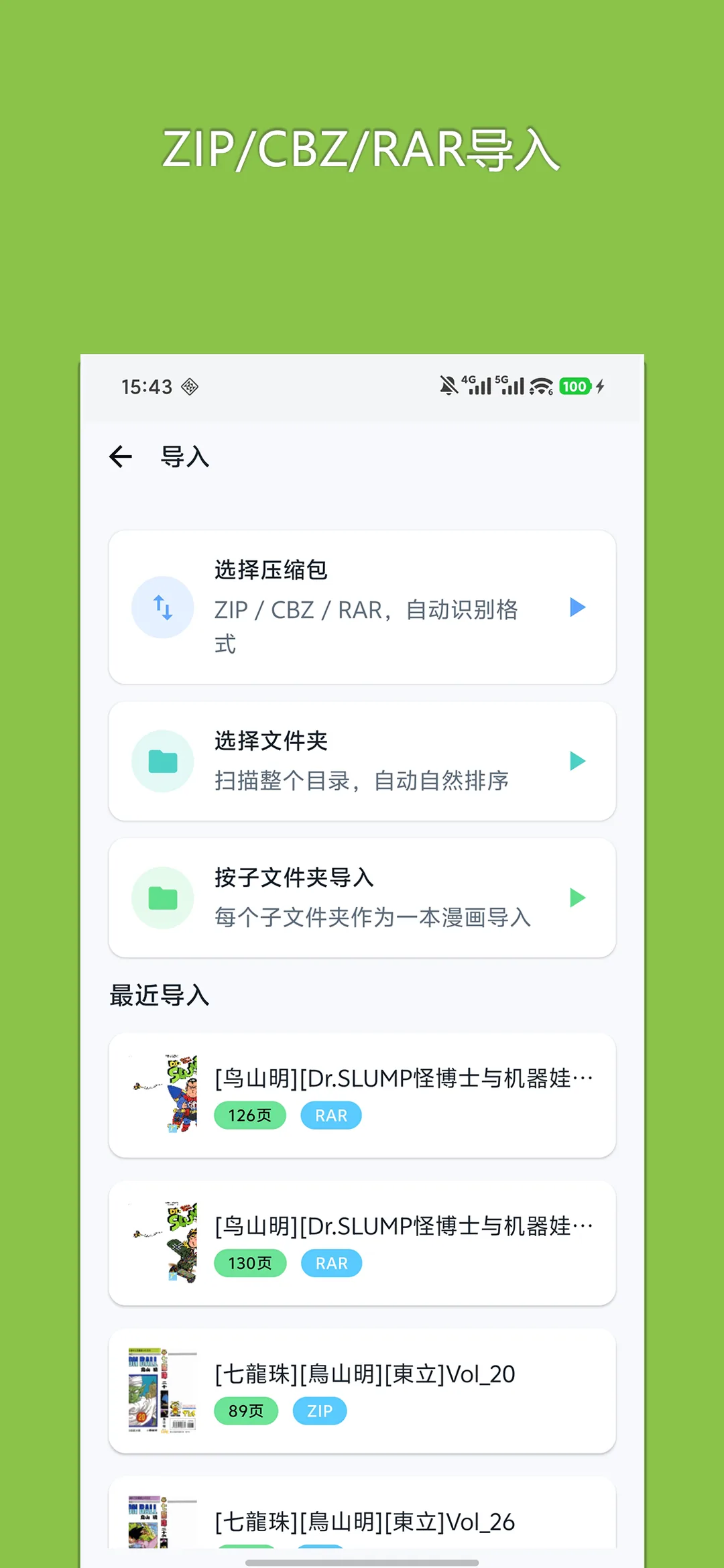
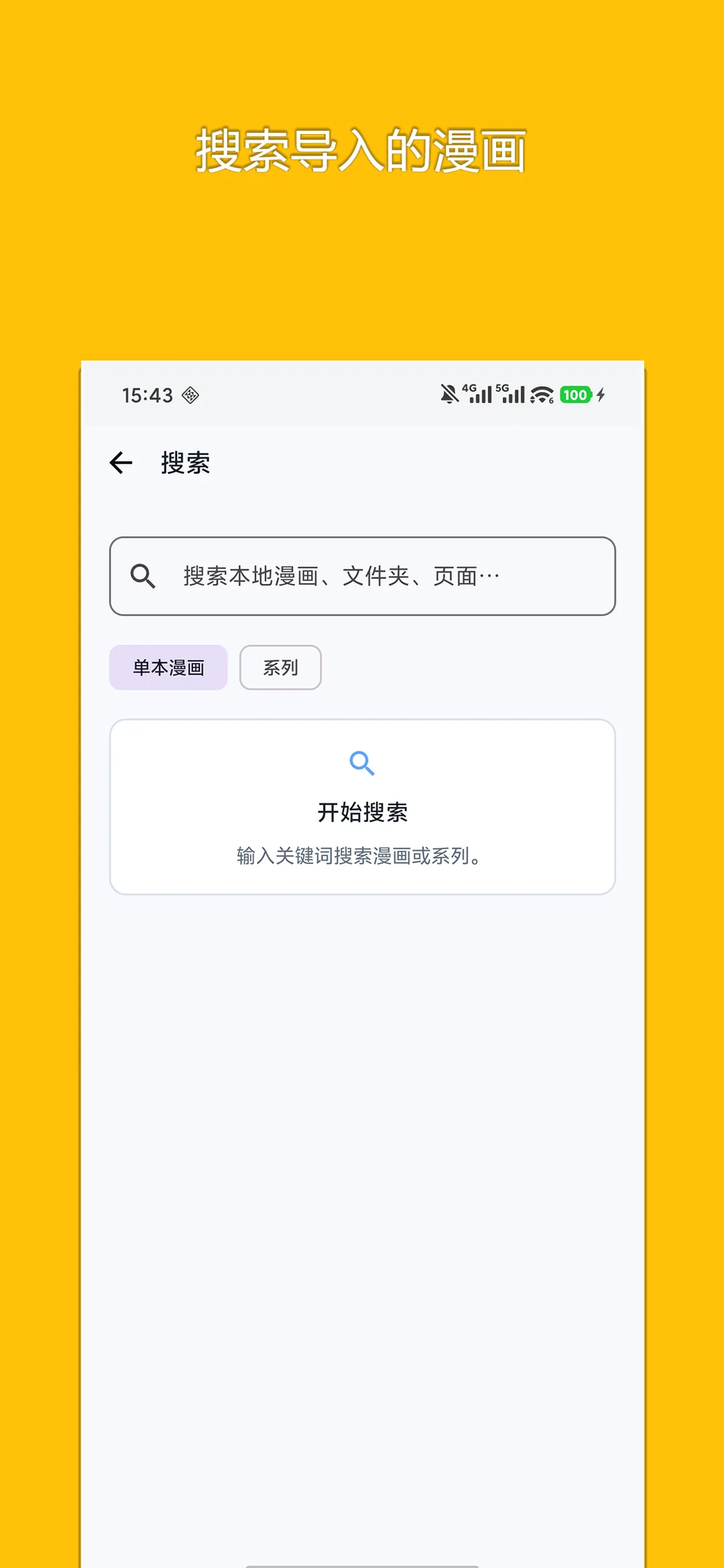
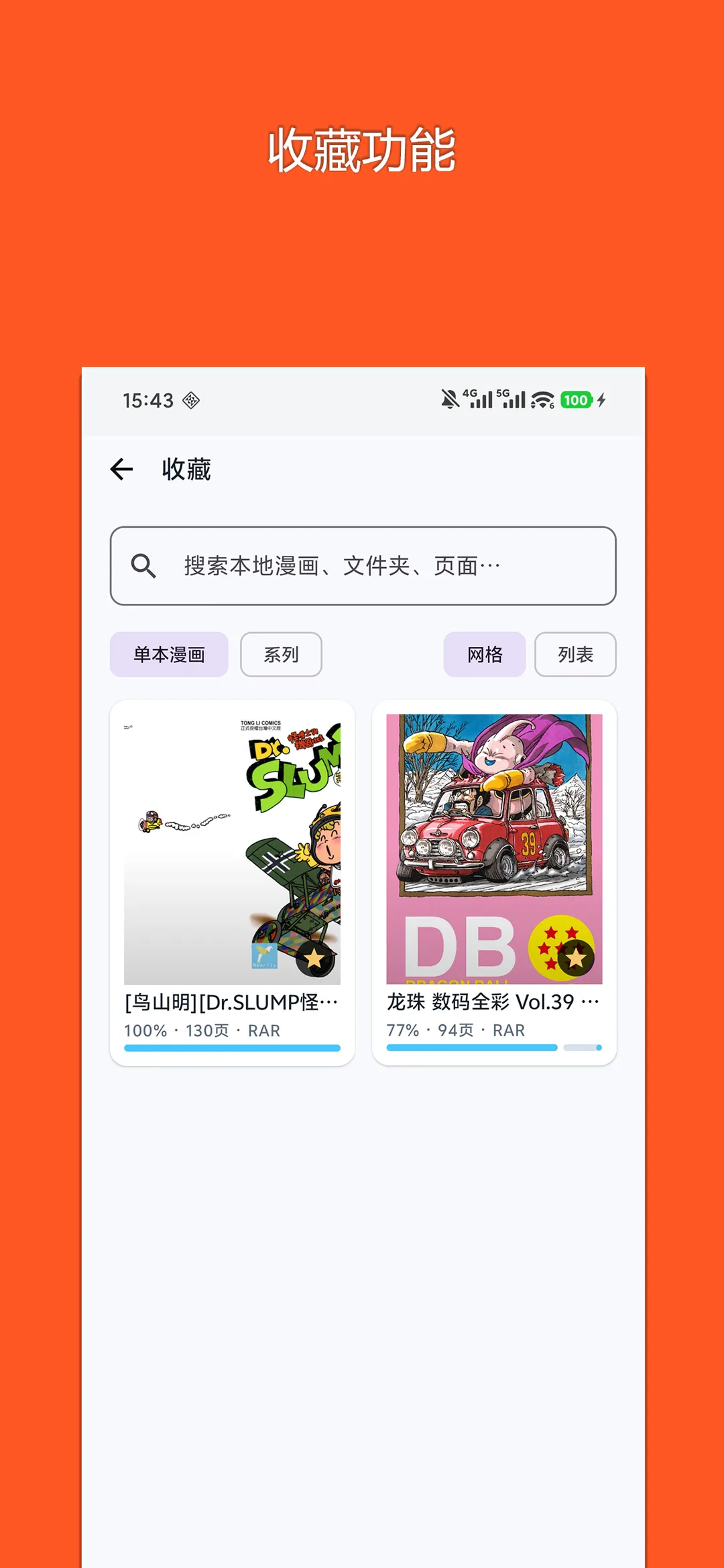
📖 Core Highlights & Features
Pure local comic reader supporting ZIP, CBZ, CBR archives and folders, with smart series organization, dual-page splitting, and reading progress memory.
Key Features:
- Full support for ZIP, CBZ, RAR, CBR archives and uncompressed image folders
- Smart series naming detection organizing volumes automatically onto cover bookshelves
- Dual-page spread view, high-res single page, smart margins, and vertical webtoon scrolling
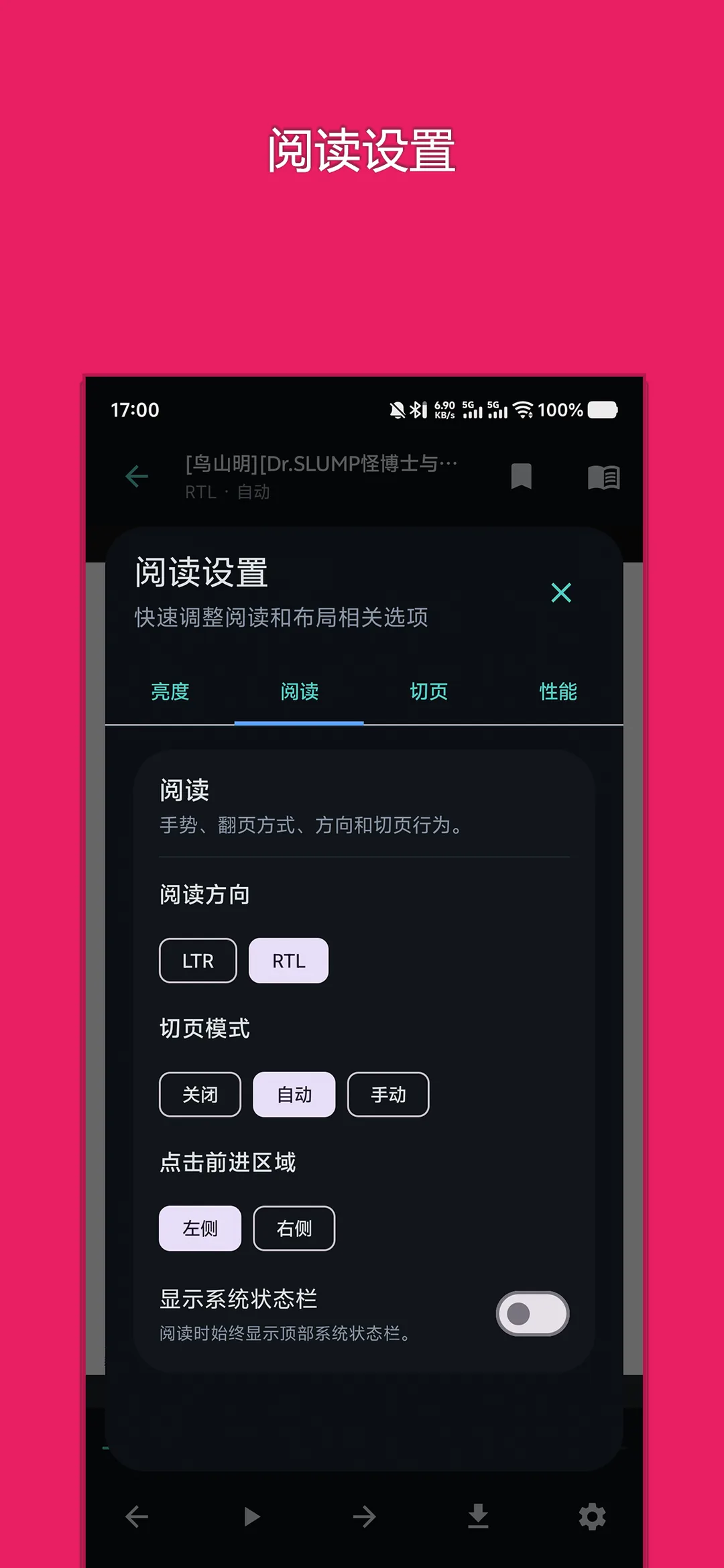
- Toggle between right-to-left (Manga) and left-to-right reading orientations
- Automatically tracks and remembers reading progress per volume for seamless continuation
🎯 3-Step Quick Start Guide
Import Comic Archives
Tap '+' on the bookshelf to select comic archives (ZIP/CBZ/CBR) or local folders.
Smart Grouping & Covers
The app scans directories, extracts front covers, and groups multi-volume series together.
Customize Reading Mode
Tap the screen center to adjust dual-page layout, reading direction, and dark mode.
📢 Ad Transparency & Compliance Disclosure
This application is completely free to use. To cover server bandwidth, algorithm maintenance, and continuous upgrades, moderate reward or banner advertisements are incorporated (marked as "Contains ads" on Google Play). We strictly adhere to zero hidden paywalls, no aggressive popup hijacking, and zero third-party telemetry.
📝 Changelog & Version History v1.2.1
- • 1. Support folder archive import and CBR format
- • 2. Added thumbnail overview mode and volume/series cover options
- • 3. Redesigned user interface with dedicated series screen
Security Multi-Engine Verified
This package has been scanned across 60+ leading antivirus engines with zero malware or deceptive behavior.
💡 Encountering "Unknown Sources" warning?
Android triggers a standard generic safety prompt for APKs downloaded outside the phone vendor store. This is standard system behavior. Simply choose "Install Anyway" or enable "Allow from this source" in your phone Settings.