
ID Photo
Smart AI portrait cutout, background replacement and 6-inch print layout
Released on Apr 11, 2026 · VirusTotal Verified
📱 App Screenshots & Interface
Preview genuine UI interactions — clean, responsive, and intuitive
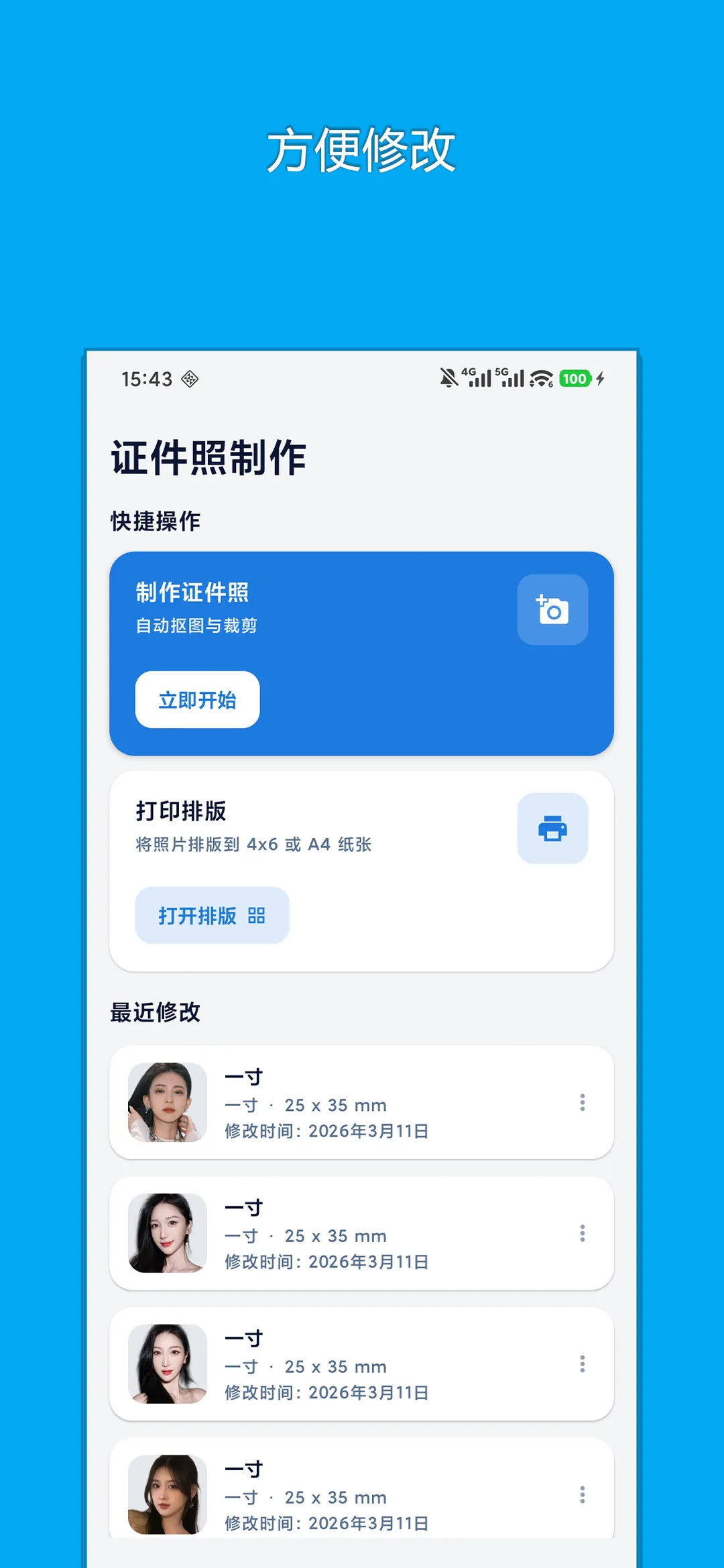
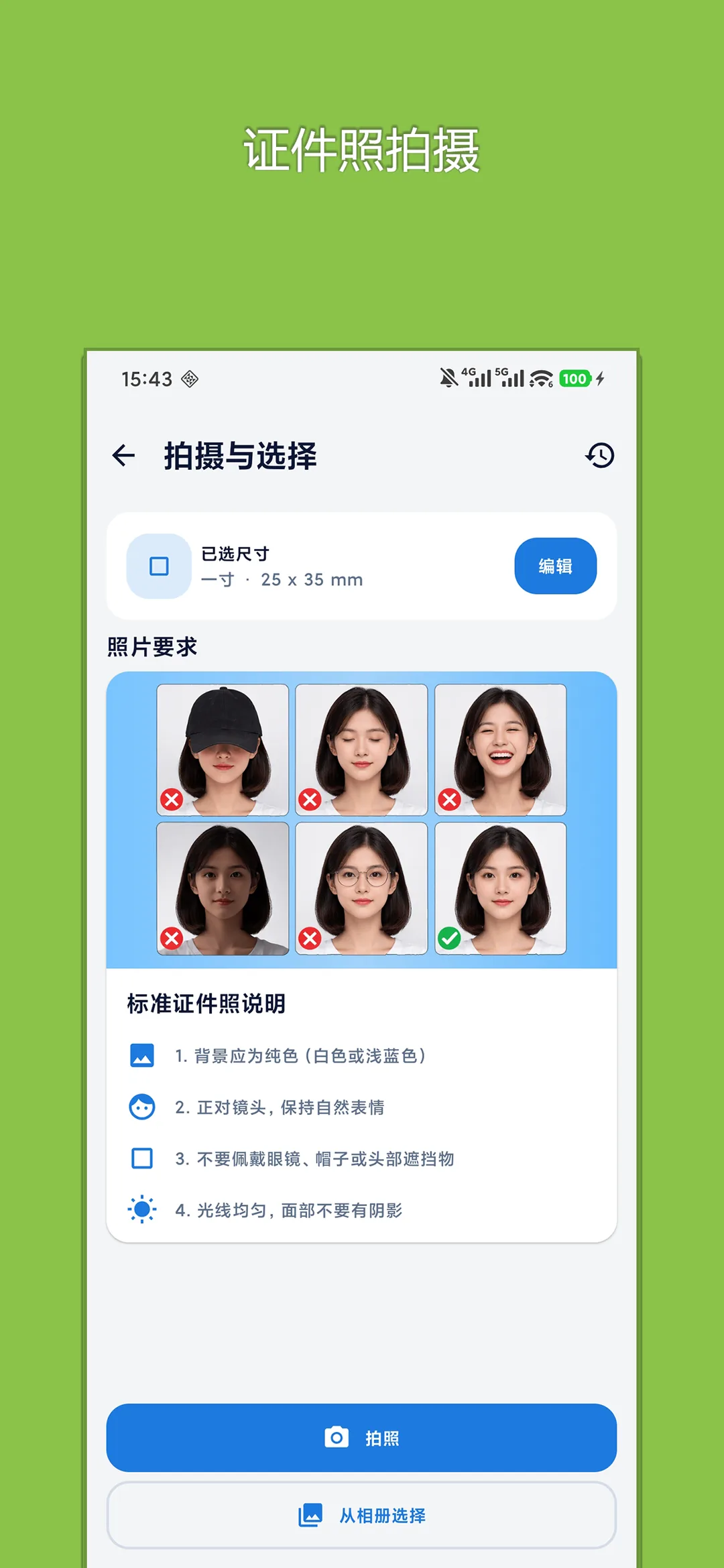
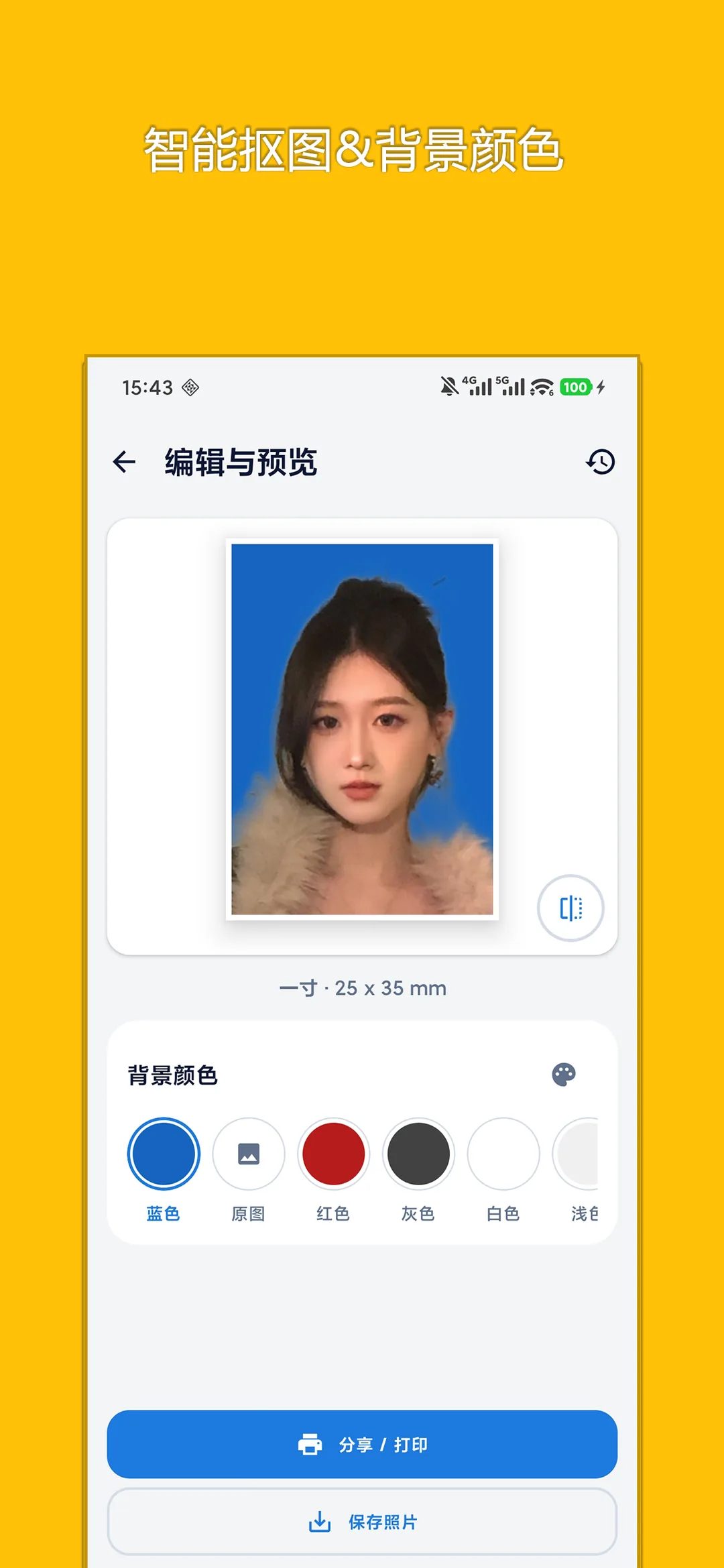
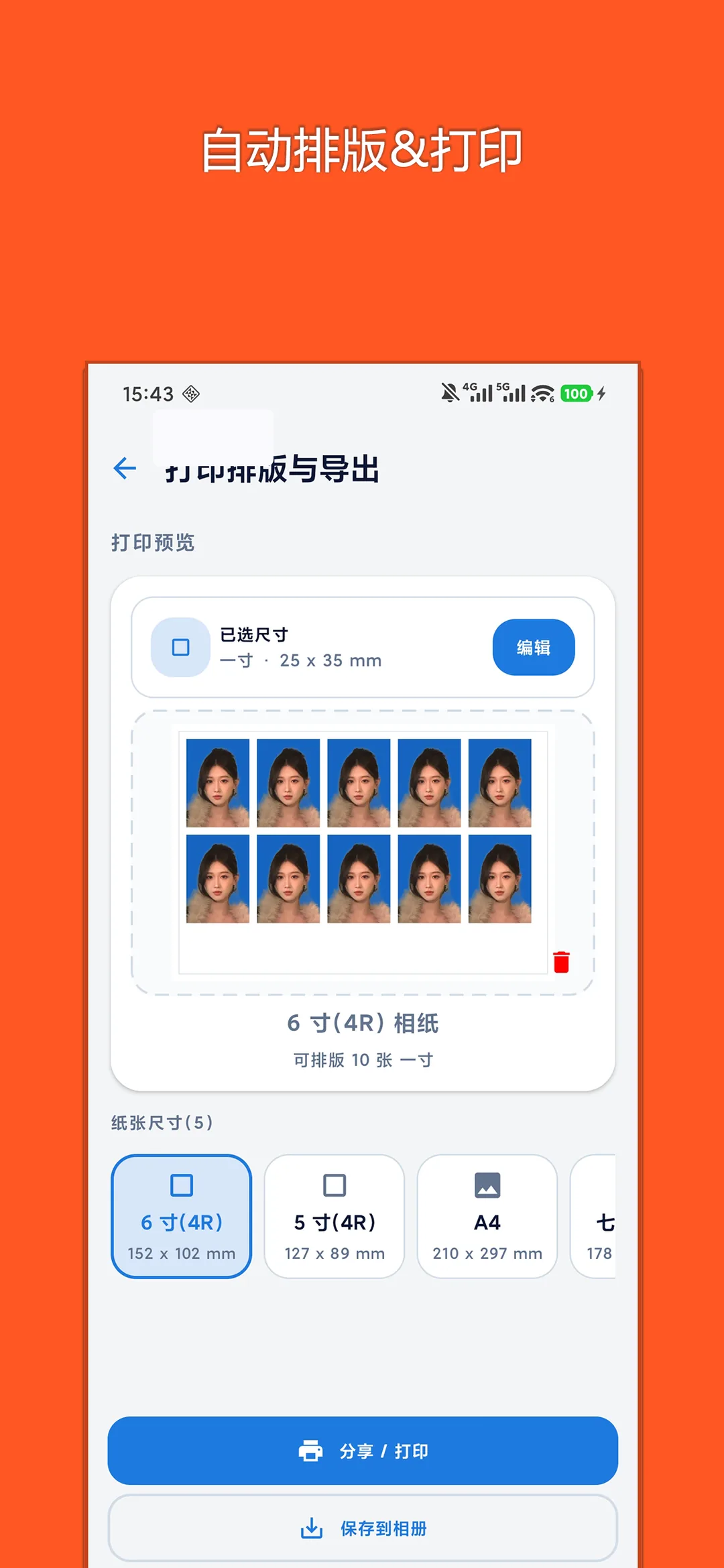
📖 Core Highlights & Features
On-device AI portrait cutout tool for passport, visa, and ID photos with one-click background color change and standard 6-inch print layout.
Key Features:
- High-precision on-device AI portrait segmentation isolating complex backgrounds
- One-tap background color replacement (White, Blue, Red, Gradient Grey)
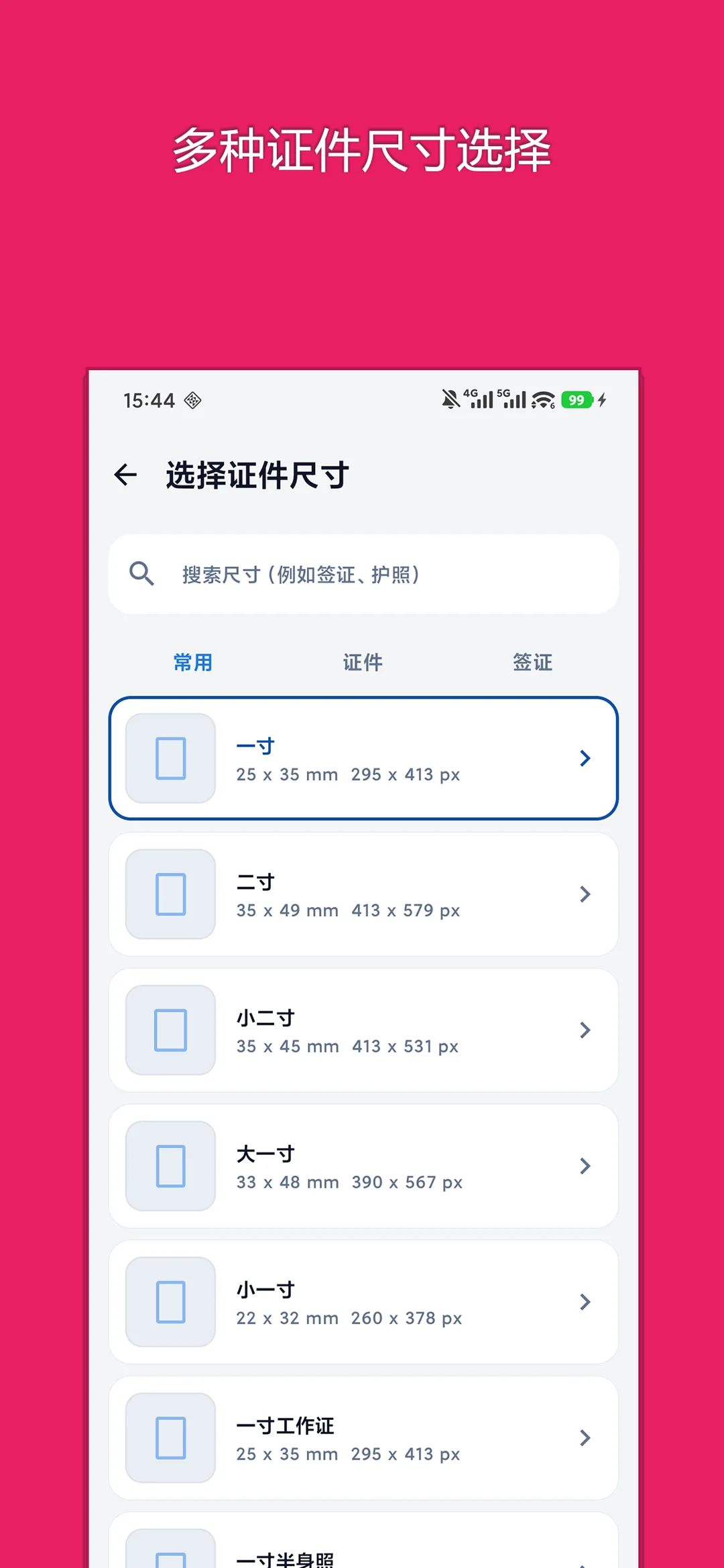
- Over 100+ standard templates including 1-inch, 2-inch, passports, and global visas
- Subtle portrait retouching and virtual formal suit dressing for sharp professional look
- Auto-generates standard 6-inch photo paper print layouts for instant home printing
🎯 3-Step Quick Start Guide
Choose Template & Upload
Select your desired photo specification (Passport, Visa, ID) and upload a front-facing selfie.
AI Cutout & Background Color
AI isolates the portrait in seconds. Tap to switch between white, blue, or red, and try formal outfits.
Export Digital & Print Sheet
Save single digital photo files or export complete 6-inch multi-photo print sheets.
📢 Ad Transparency & Compliance Disclosure
This application is completely free to use. To cover server bandwidth, algorithm maintenance, and continuous upgrades, moderate reward or banner advertisements are incorporated (marked as "Contains ads" on Google Play). We strictly adhere to zero hidden paywalls, no aggressive popup hijacking, and zero third-party telemetry.
📝 Changelog & Version History v1.0.3
- • Added multiple AI cutout model options
Security Multi-Engine Verified
This package has been scanned across 60+ leading antivirus engines with zero malware or deceptive behavior.
💡 Encountering "Unknown Sources" warning?
Android triggers a standard generic safety prompt for APKs downloaded outside the phone vendor store. This is standard system behavior. Simply choose "Install Anyway" or enable "Allow from this source" in your phone Settings.